

Free
For a quick round with a few friends
Up to 10 participants
€0
No card needed
Interactive presentations and live quizzes
Quizzes, polls, word clouds and questions for the host in one presentation. Show it on the presentation screen and let everyone answer on their phone: colleagues, friends or the whole family.
No card needed
Get started freeFrom the first slide to the final applause in three steps.
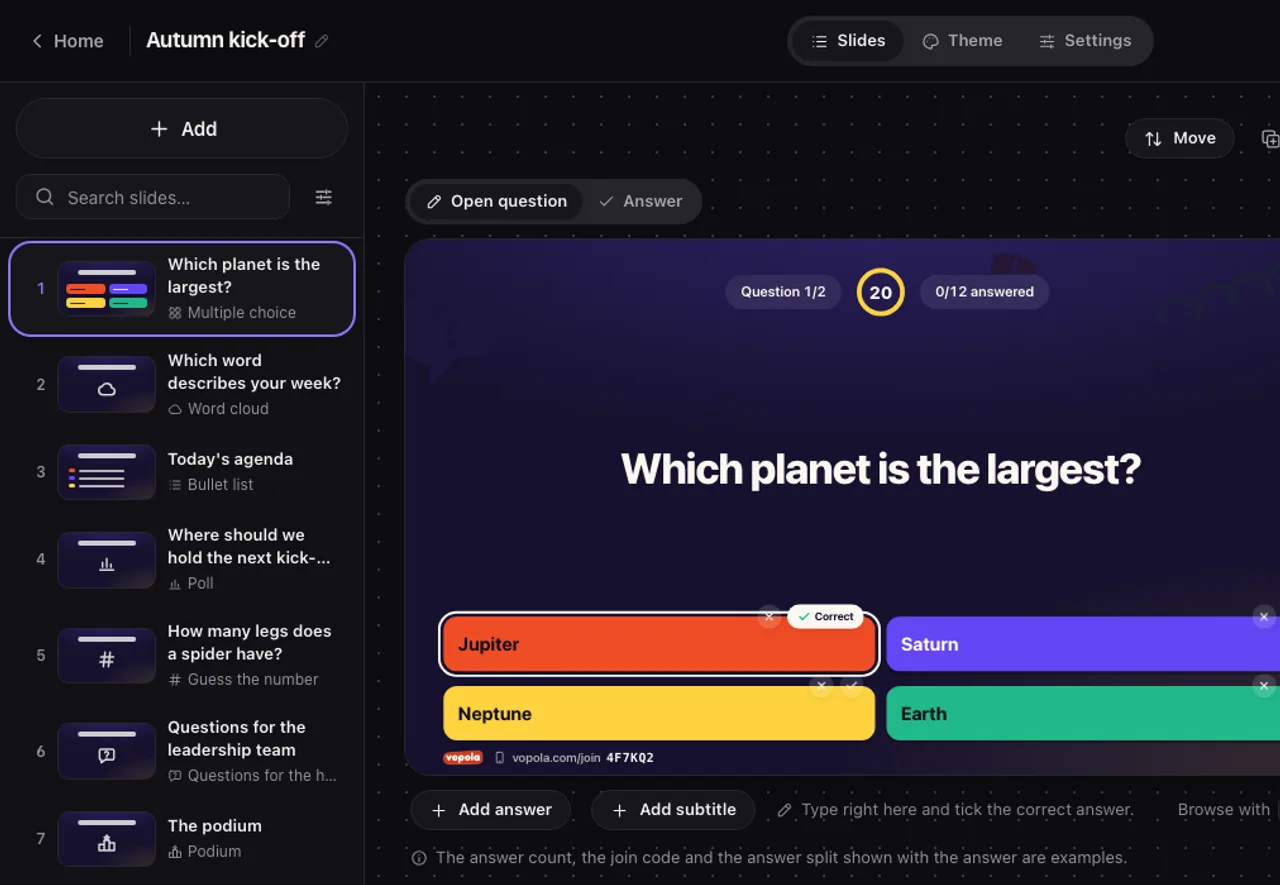
Mix quiz questions, audience questions and presentation slides in one presentation. Everything saves as you go.

Show the QR code or the join code on the presentation screen. Everyone joins from their phone with no app and no account.
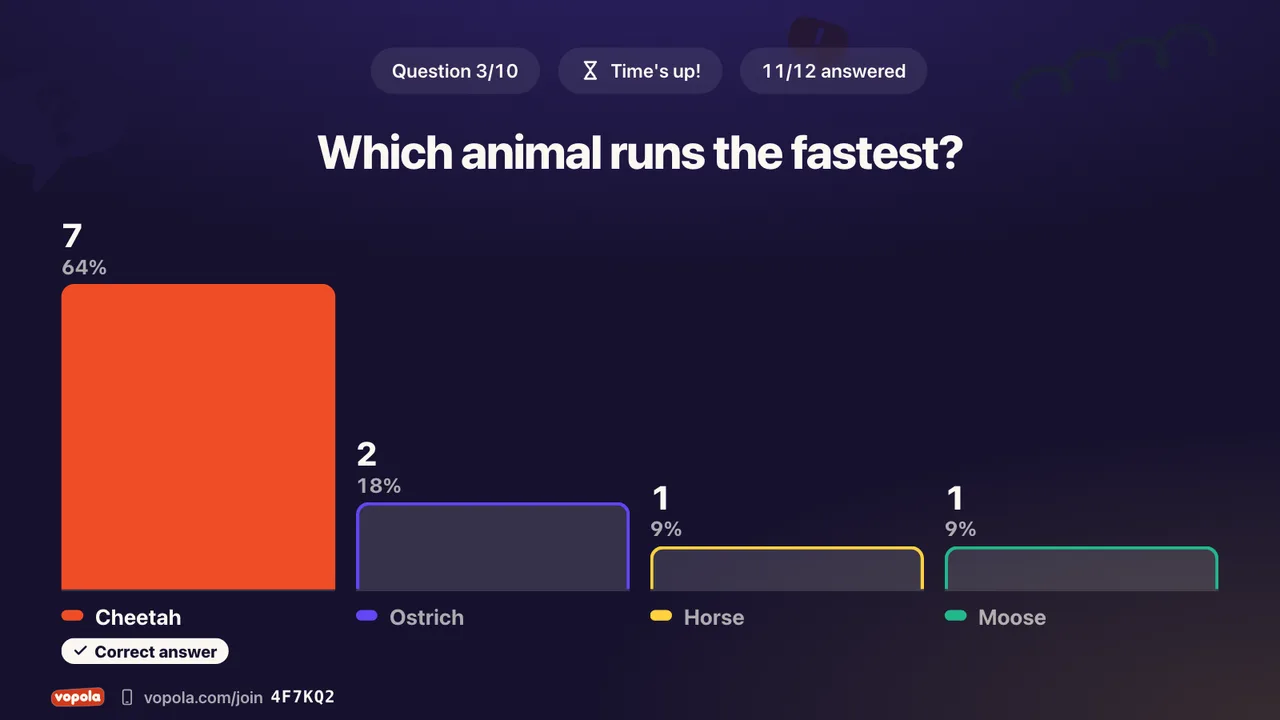
You set the pace. Everyone answers at once and the results show up on the presentation screen straight away.
Try it yourself
Five questions, exactly as your participants see them on their phones. Three quiz questions where you compete for points. Two audience questions where you simply say what you think.
Five questions in about a minute
Just an example. Nothing is saved.
The kick-off, the lesson, Friday drinks or the family reunion. Vopola works wherever people get together, in the same place or miles apart. Everyone answers on their own phone, no app needed.
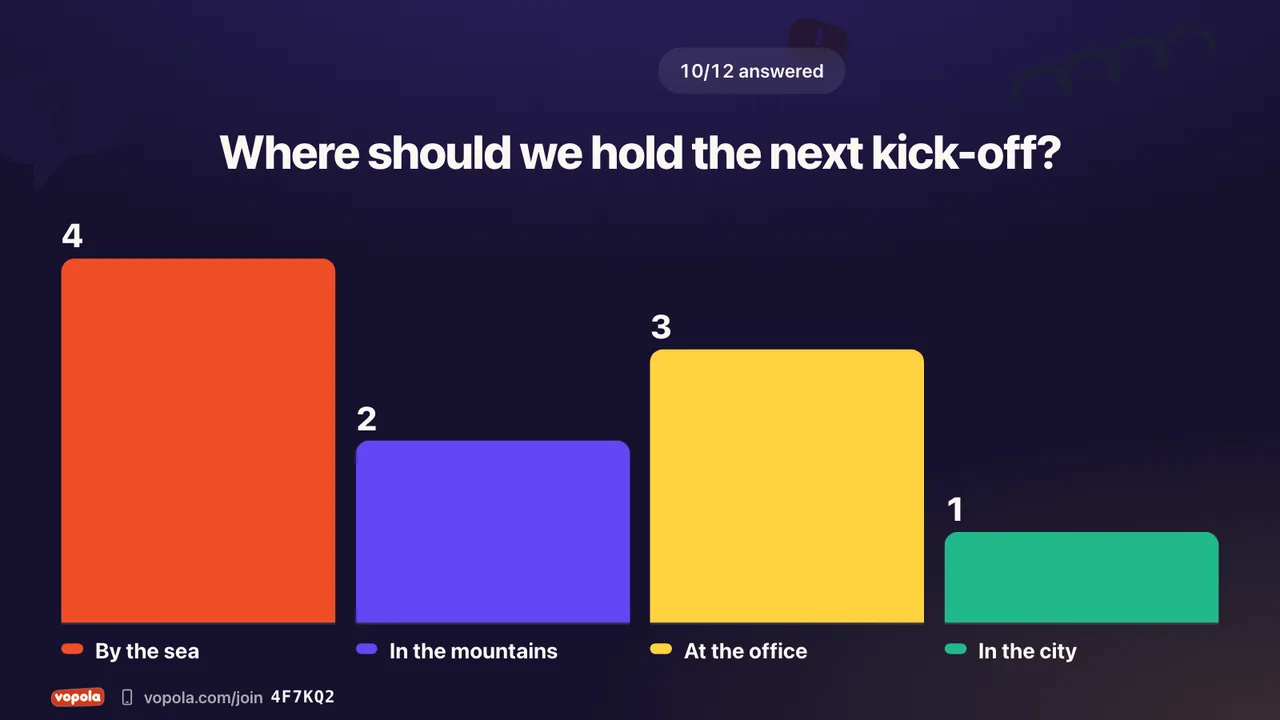
Get everyone involved in the meeting, the conference or the kick-off. Take the temperature with a poll, gather ideas and let everyone ask you questions.
Typical questions
Great for
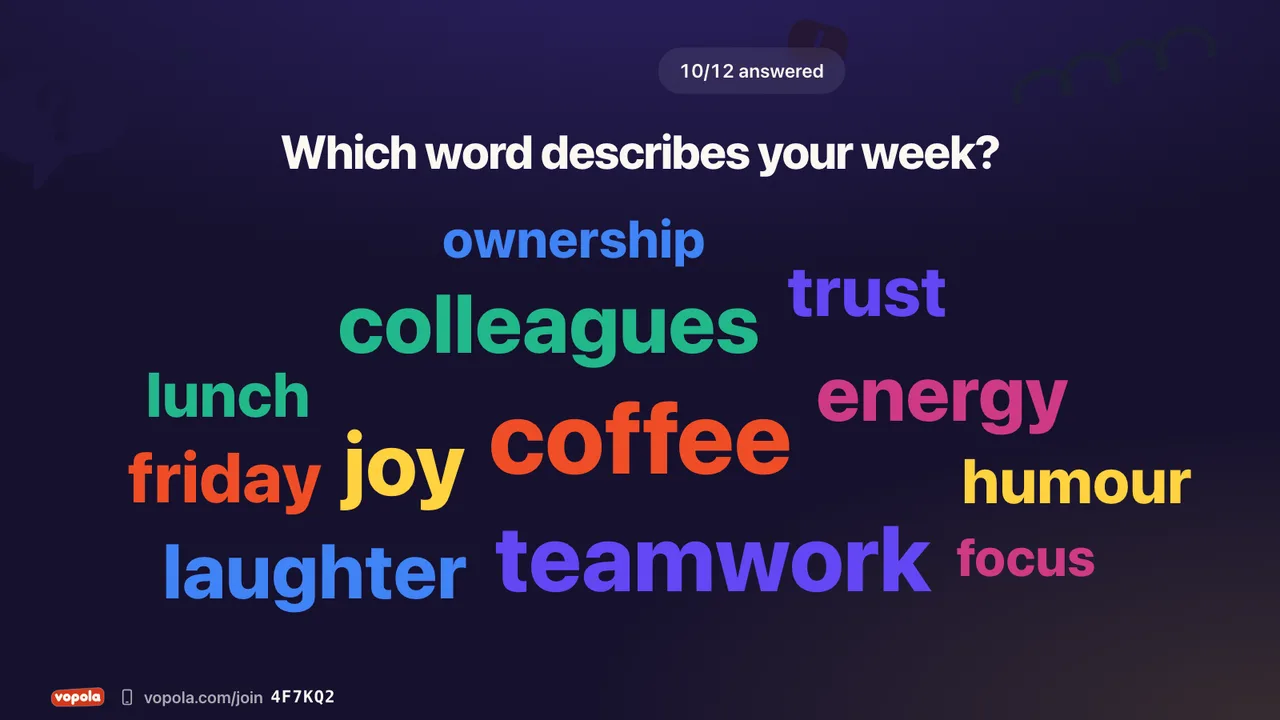
Start the lesson with a word cloud and see straight away what the class has understood. Everyone gets a say, even those who rarely raise a hand.
Typical questions
Great for
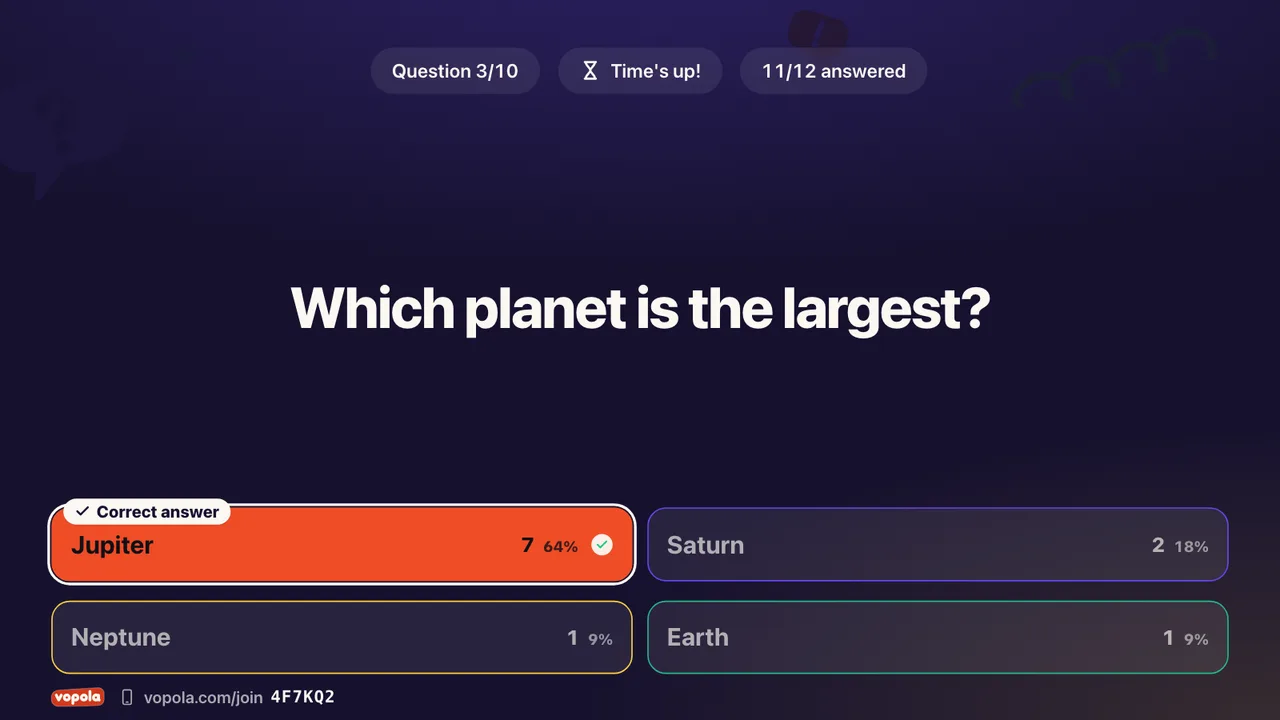
Build a quiz for Friday drinks, the party or the family reunion. Right answers score points. Fast right answers score more.
Typical questions
Great for
Mix question types so every round feels new. Compete with quiz questions, gather opinions with audience questions and tell your story with presentation slides.
Right answers score points and everyone sees who is ahead. The leaderboard, the podium and the spinning wheel keep the excitement going.
Two to six options, one or more right
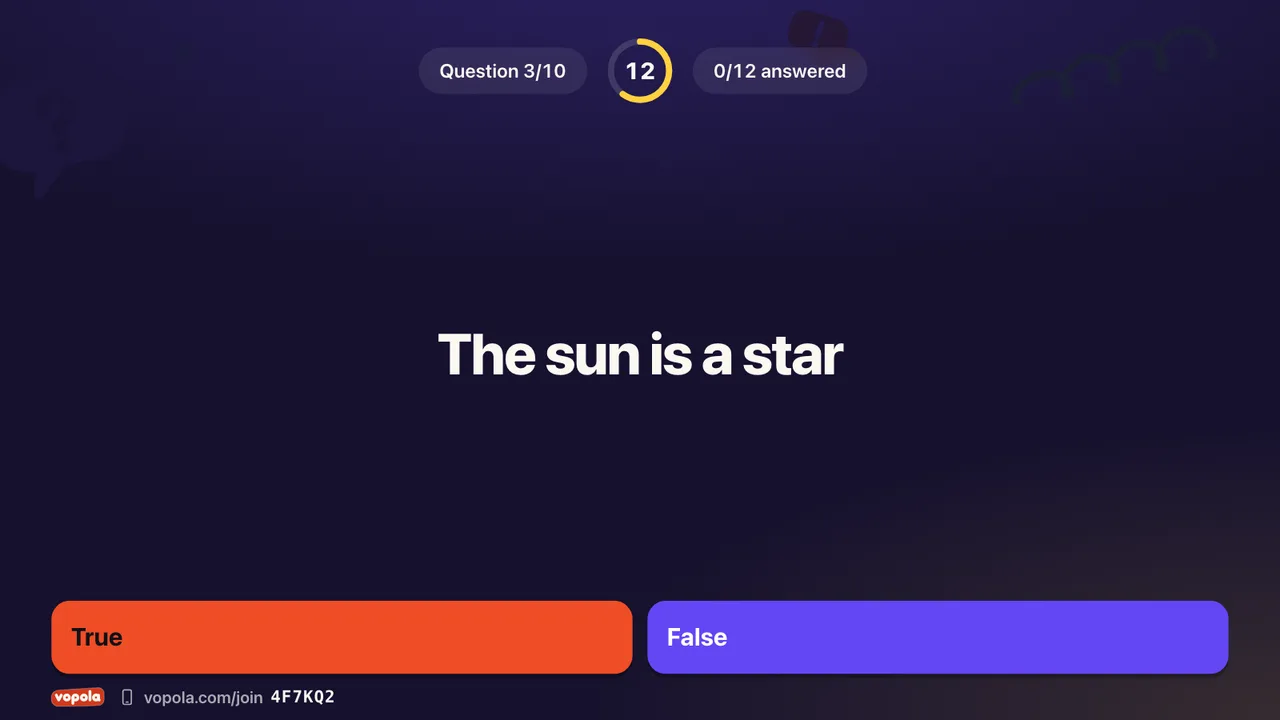
A statement that is true or false
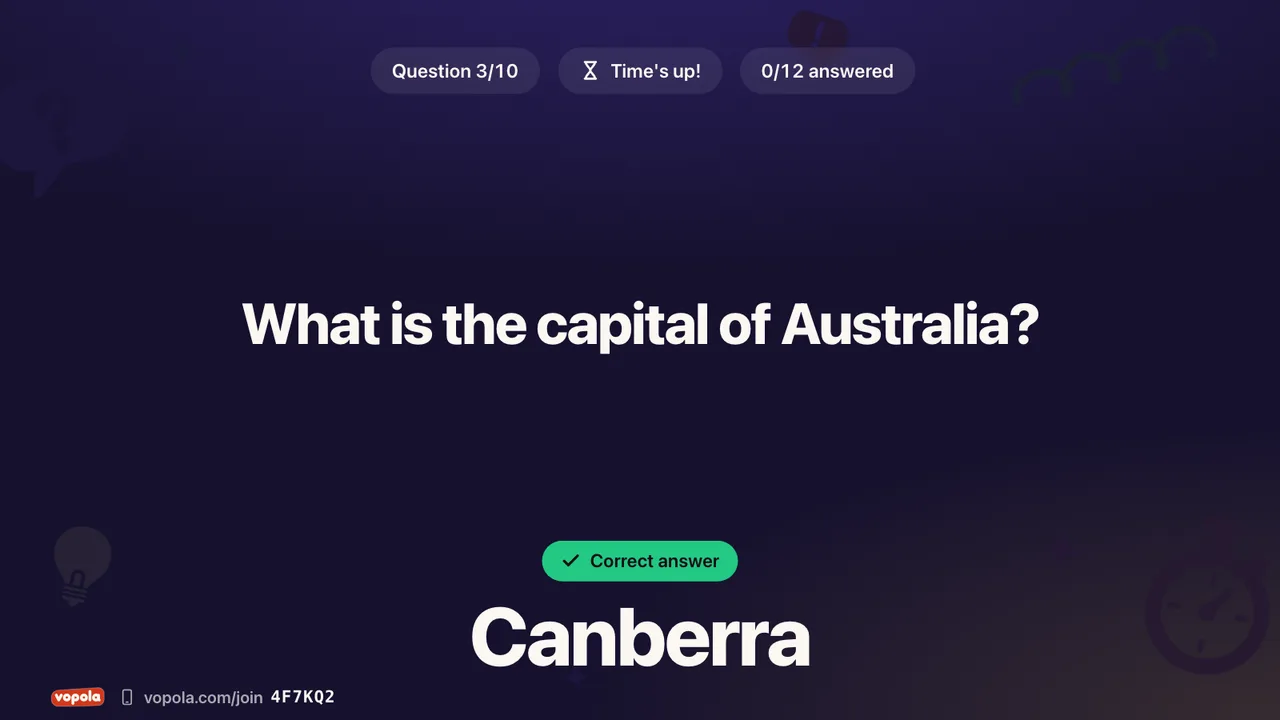
Everyone types the answer themselves
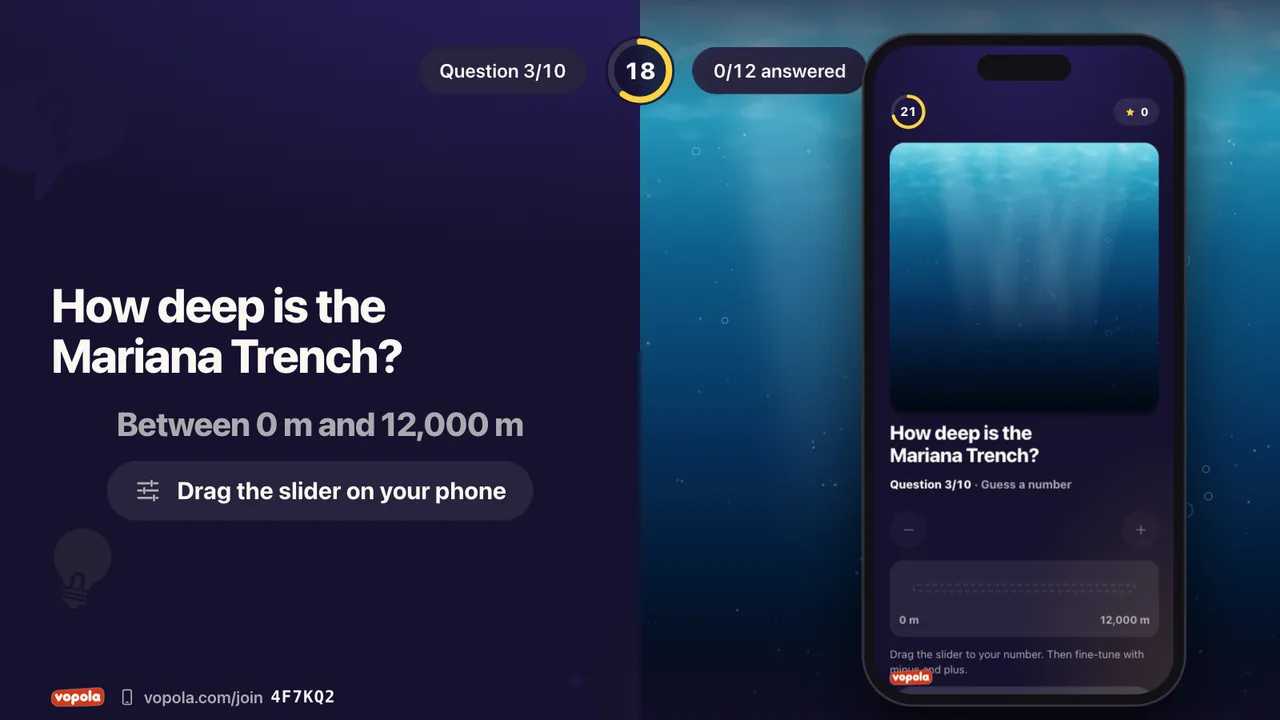
Type the number or drag a slider
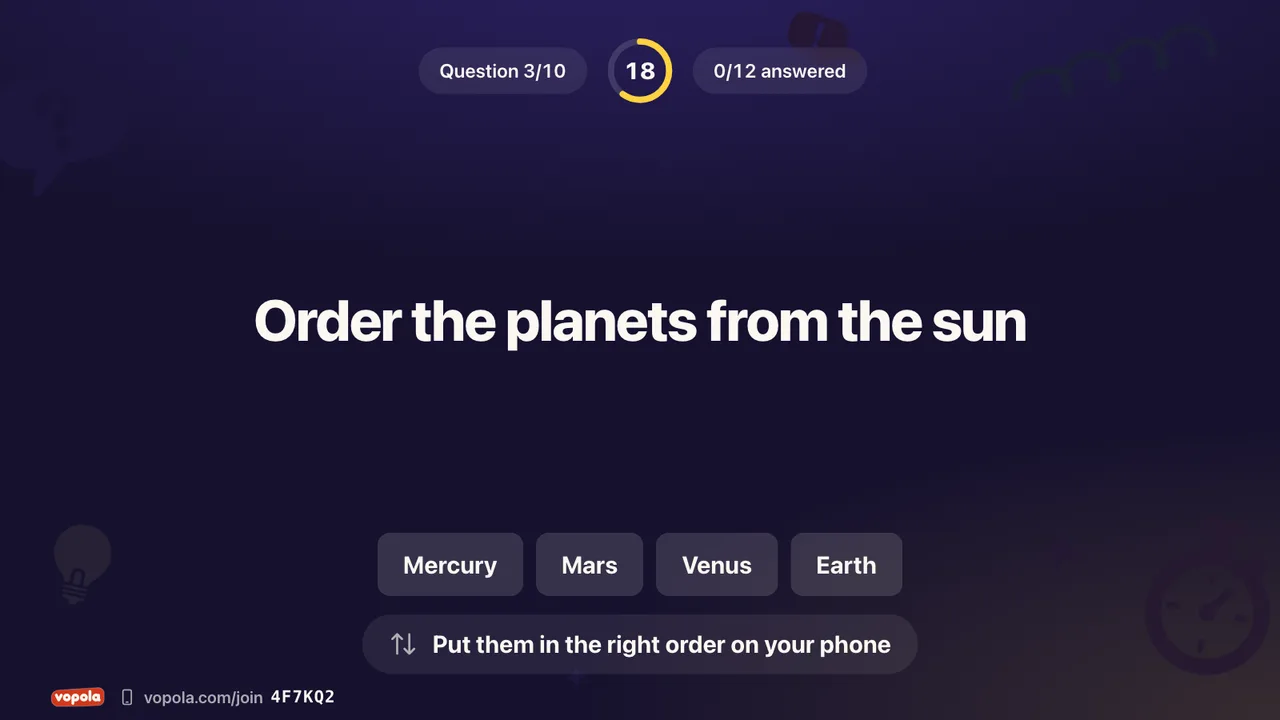
Put everything in the right order
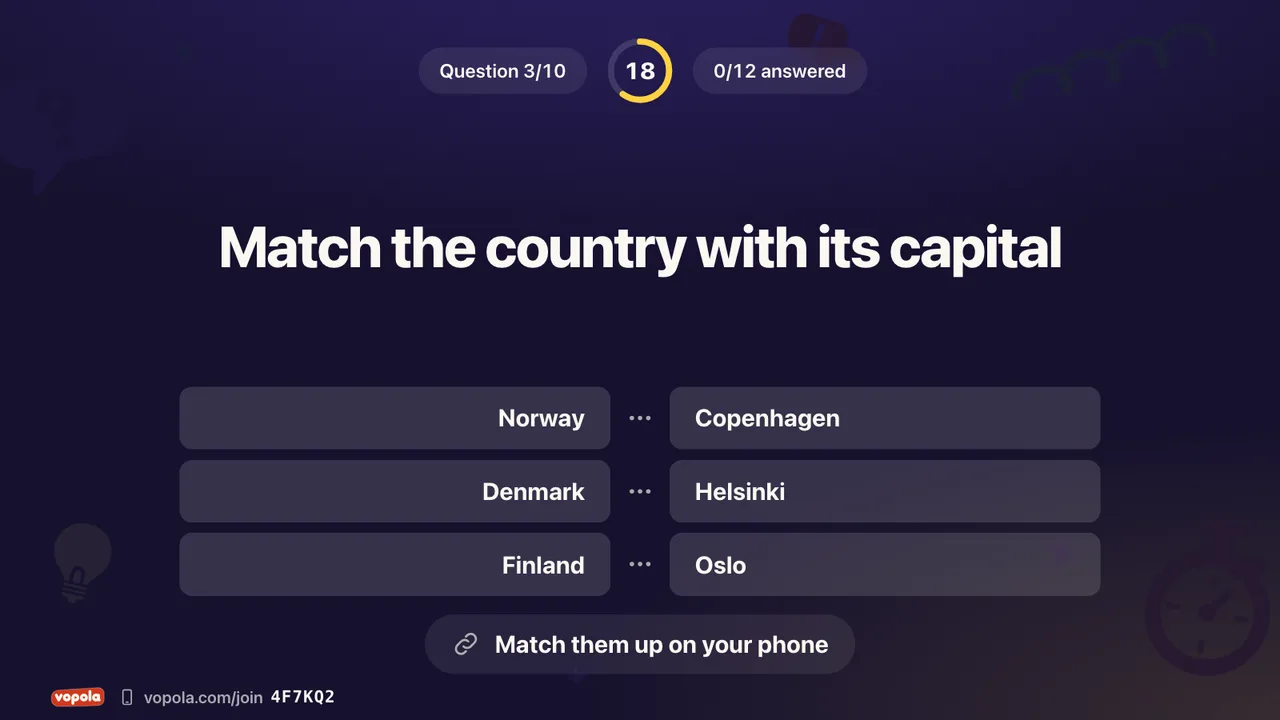
Match what belongs together
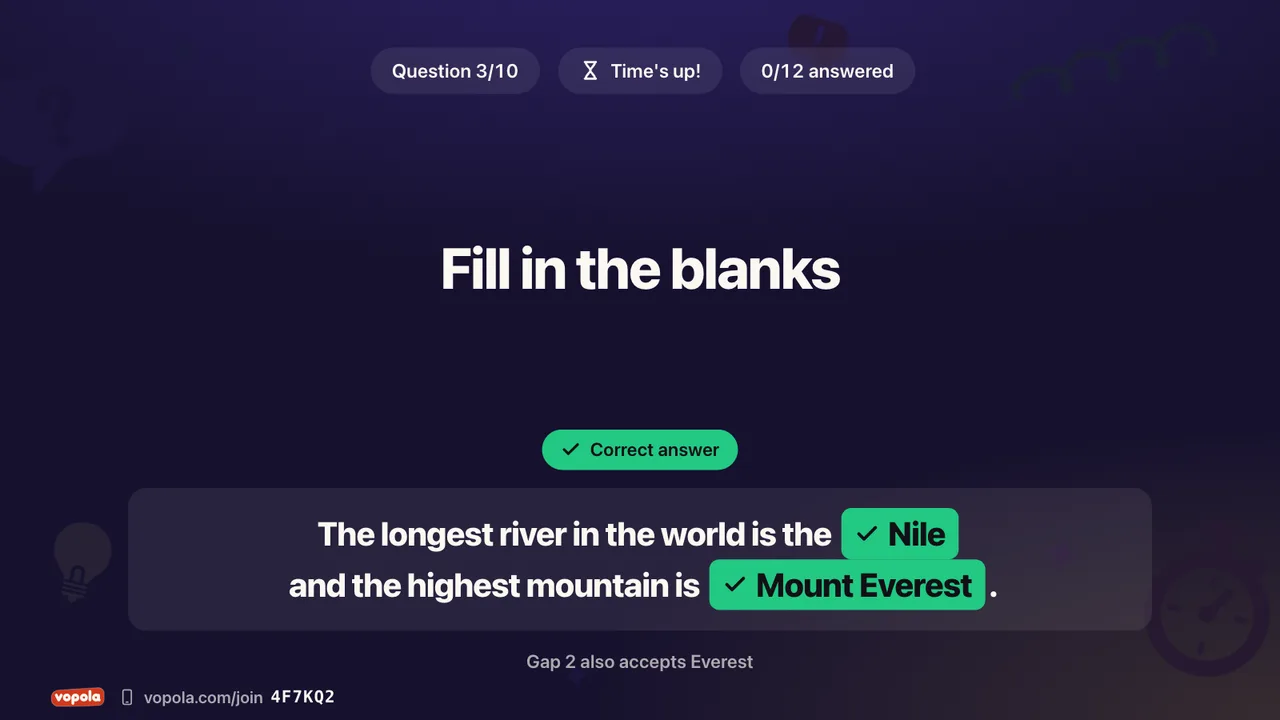
Type the missing words, points per blank
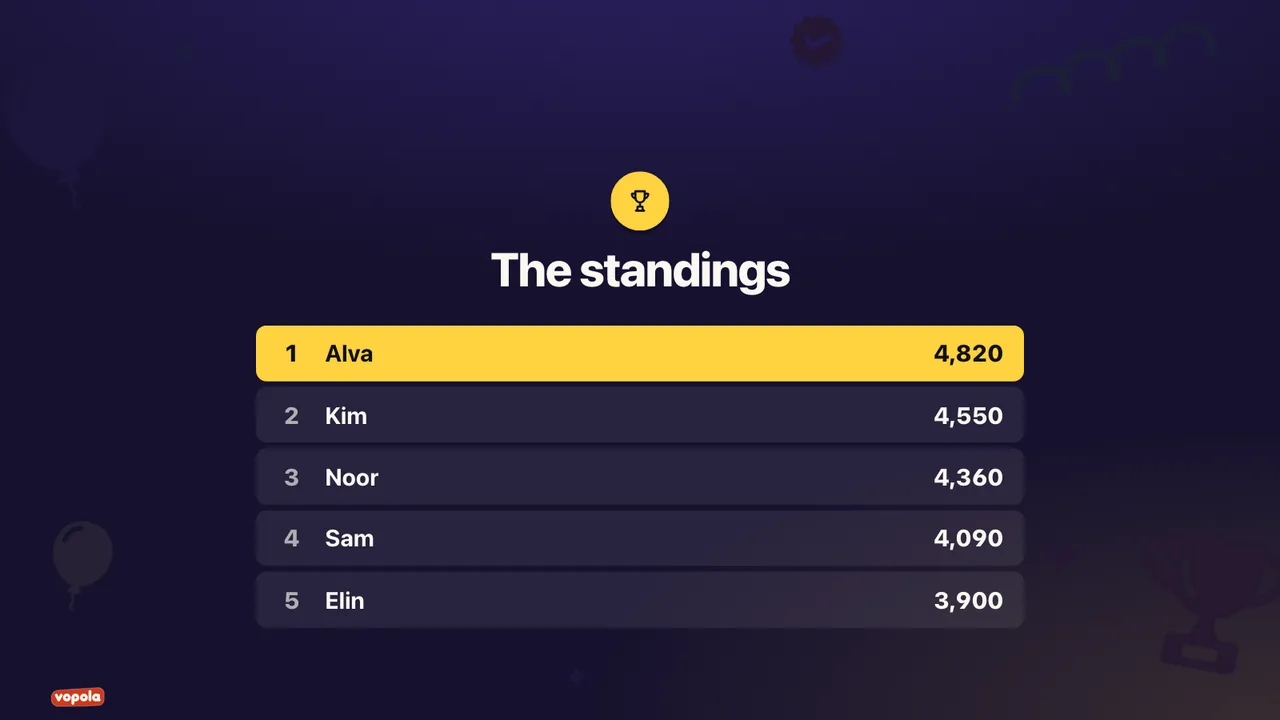
The standings between questions
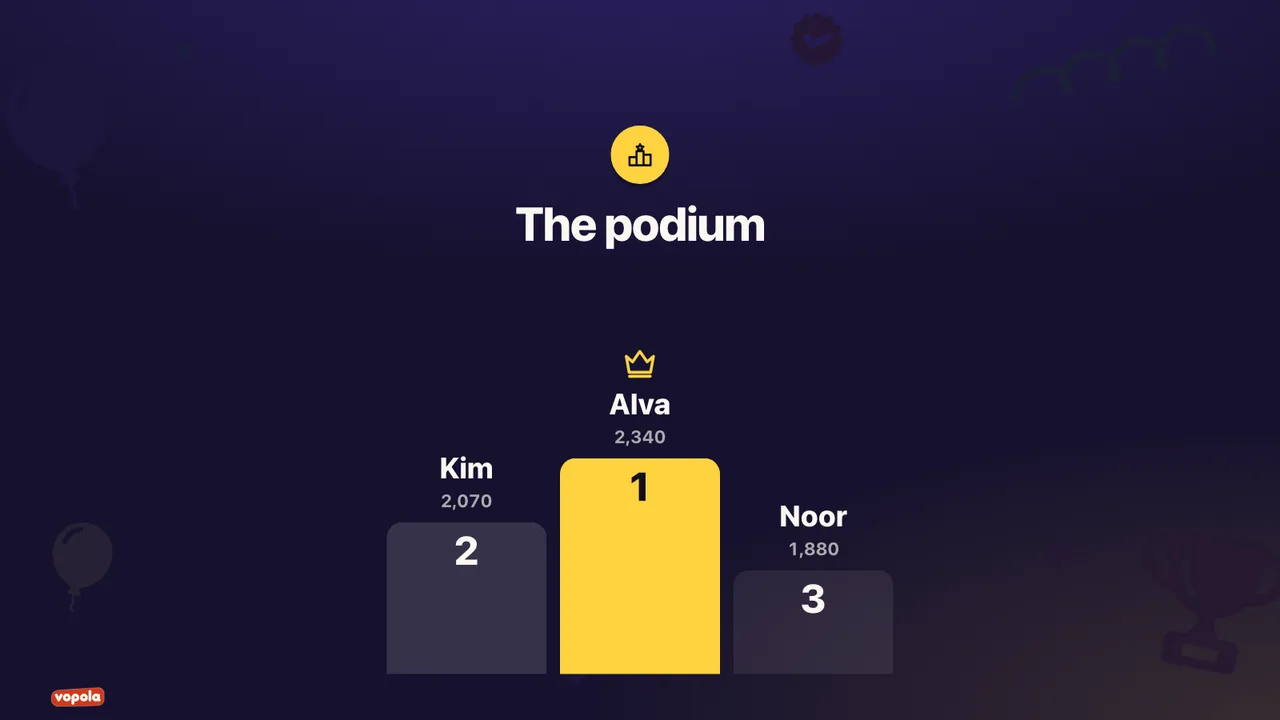
The top three when the session is over
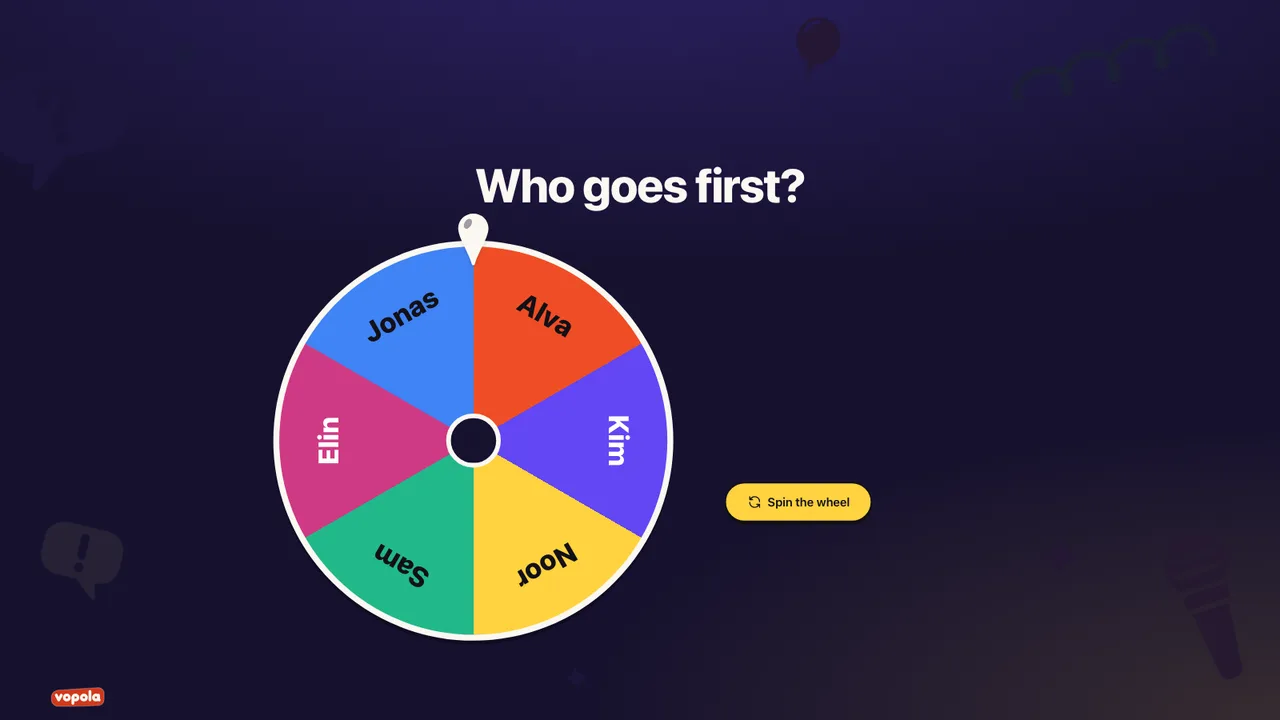
Spin the wheel and let chance decide
Let everyone have their say with no right or wrong. Answers can build up on screen as they come in.
Two to six options, as bars, donut or pie
The most common words grow the biggest
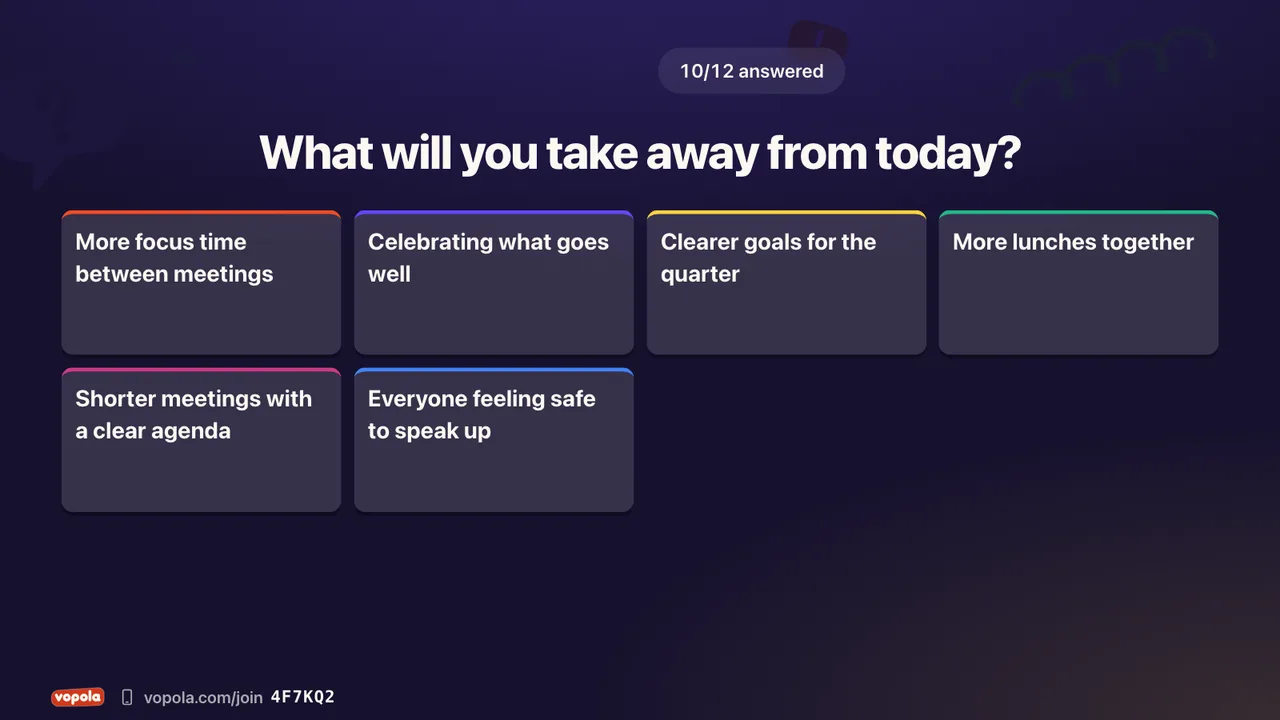
Free answers as a grid or one at a time
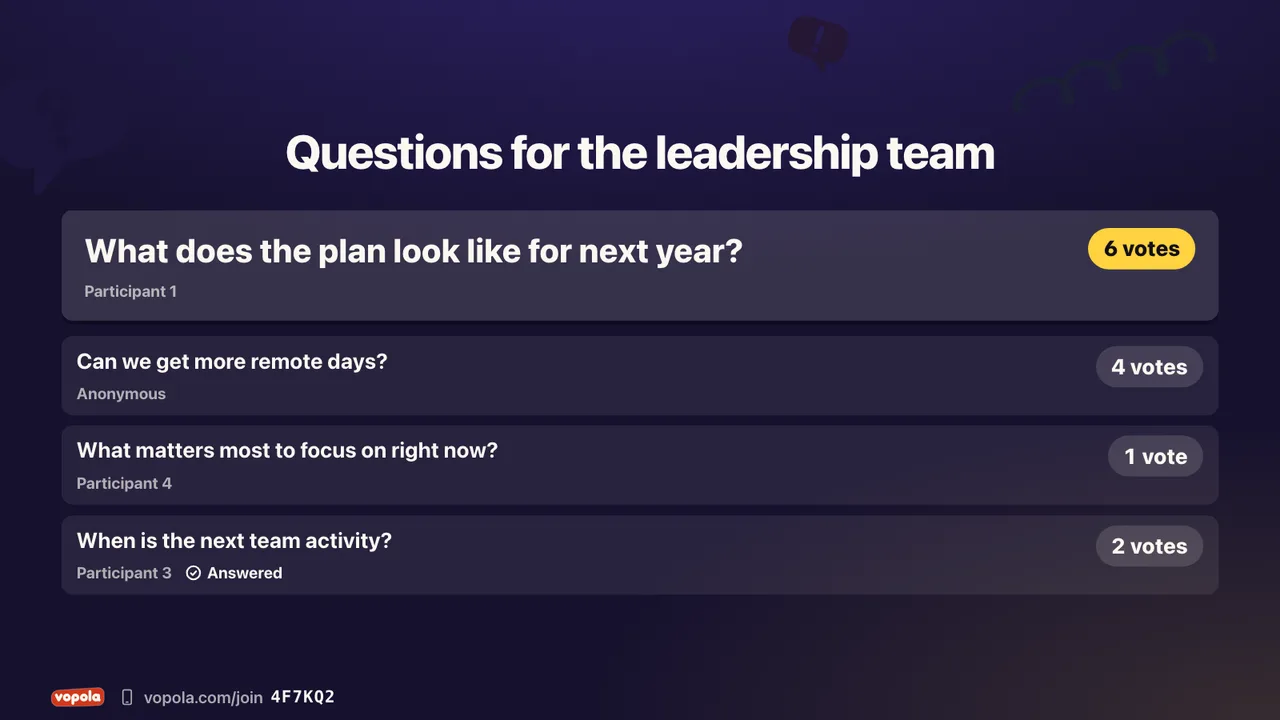
Ask questions, anonymously if you allow it
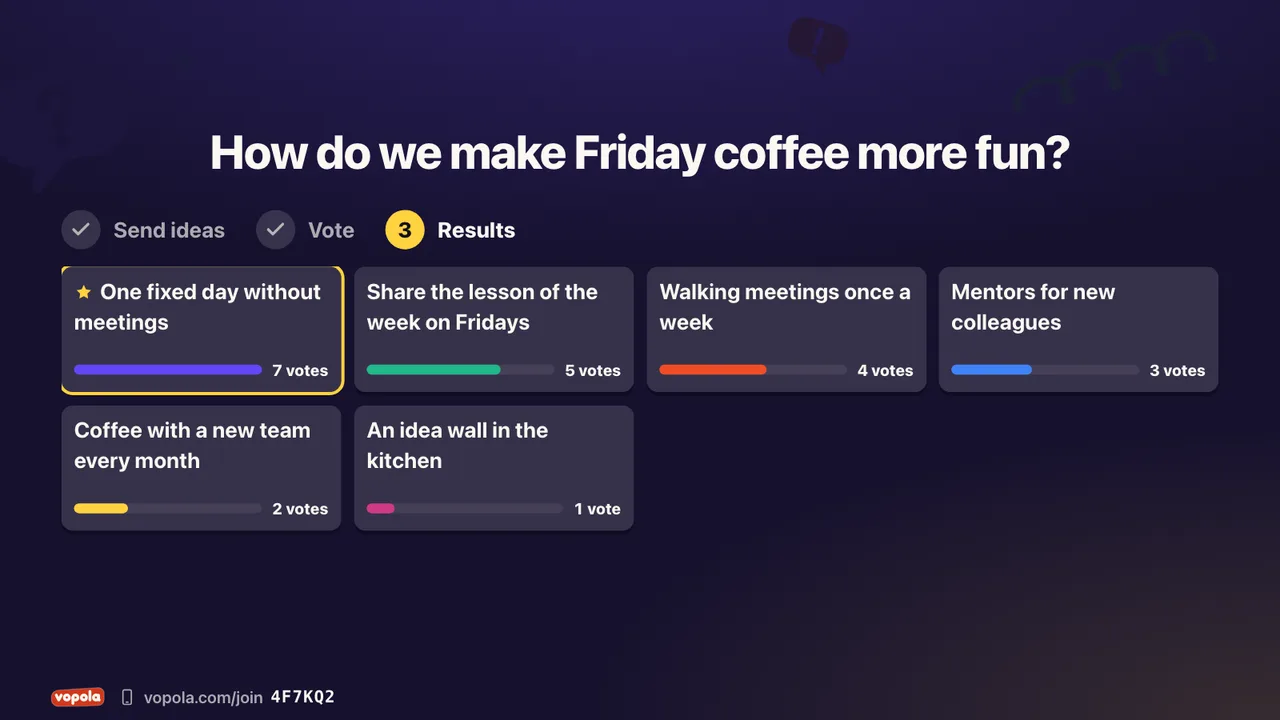
Send ideas, vote and see which ones win
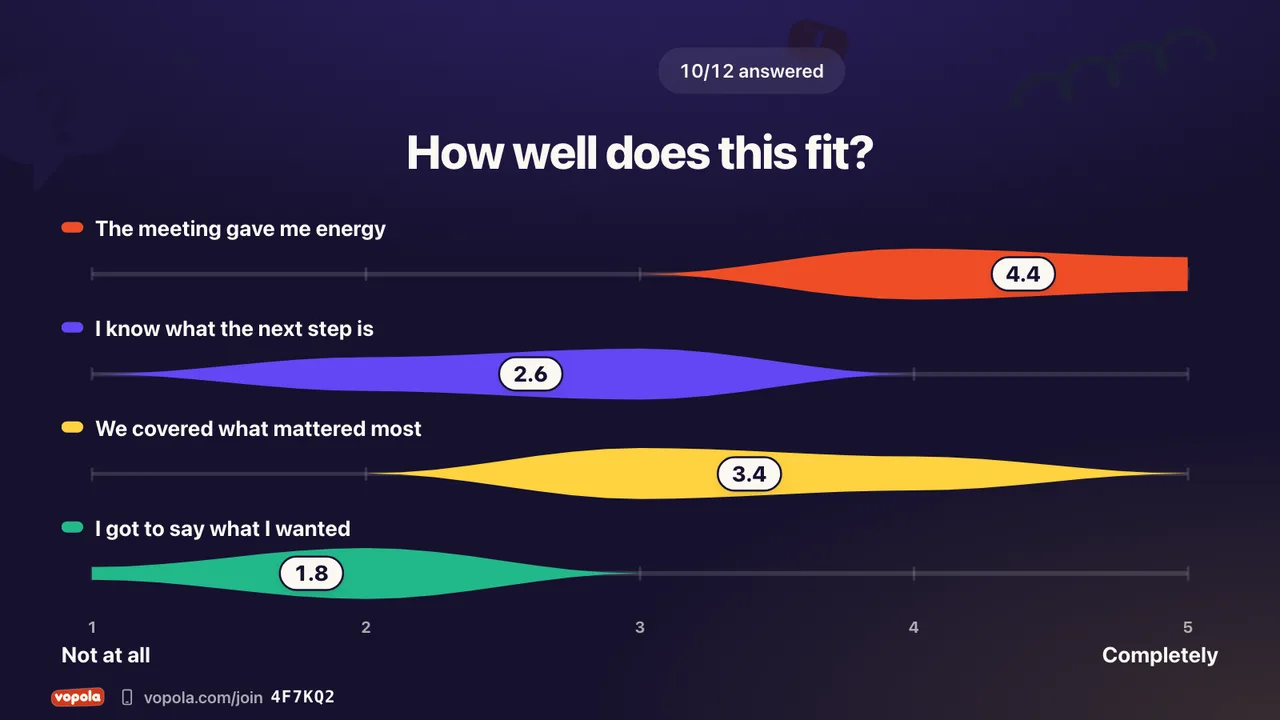
Up to six statements on a scale
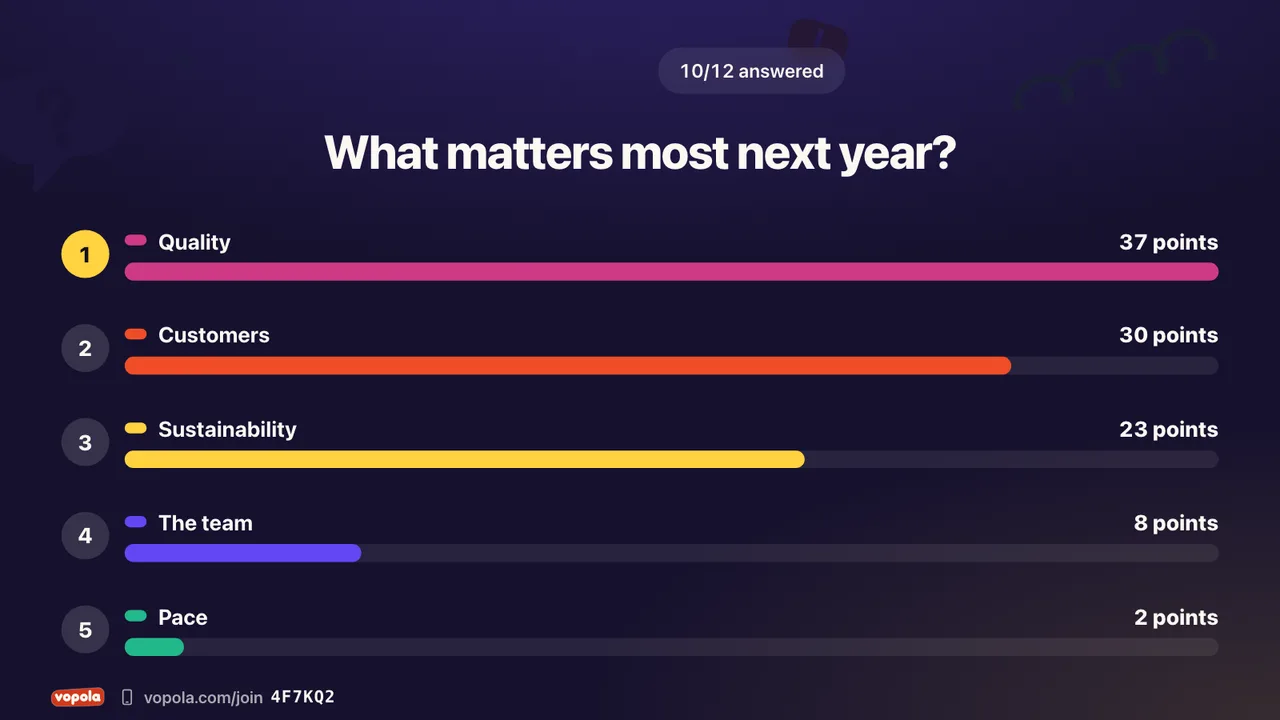
A shared ranking is worked out
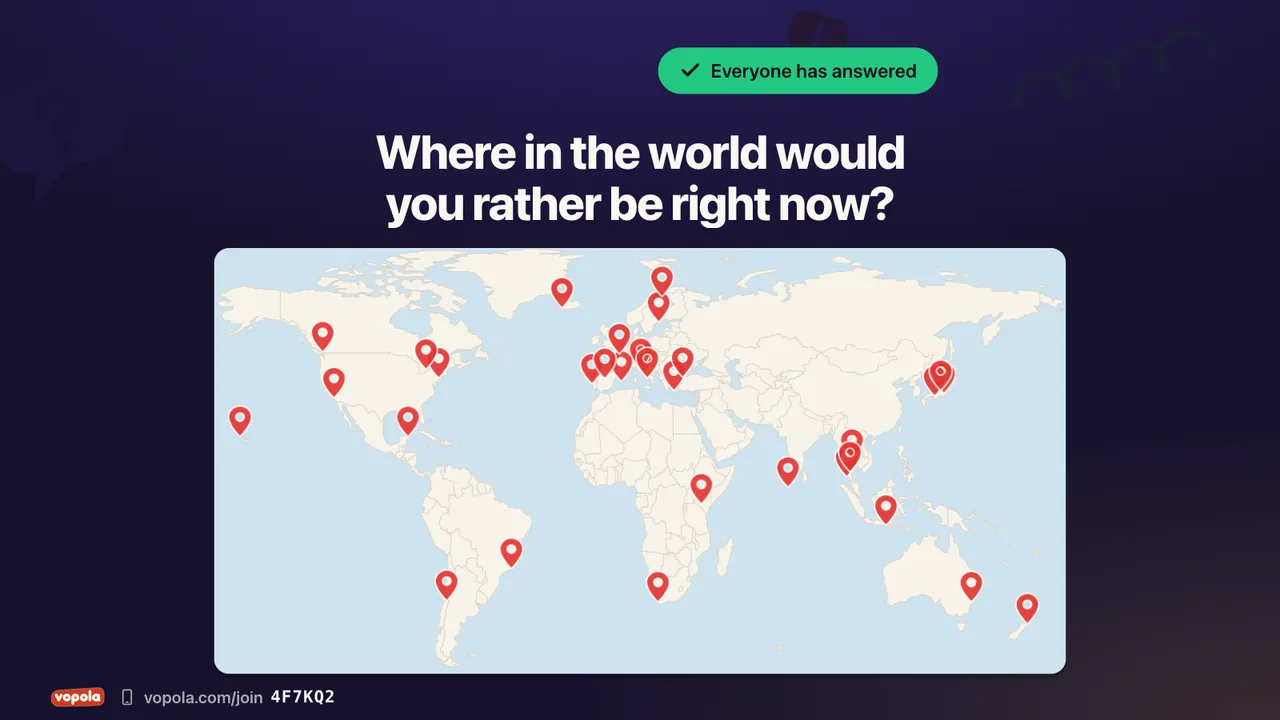
Everyone puts a pin on an image
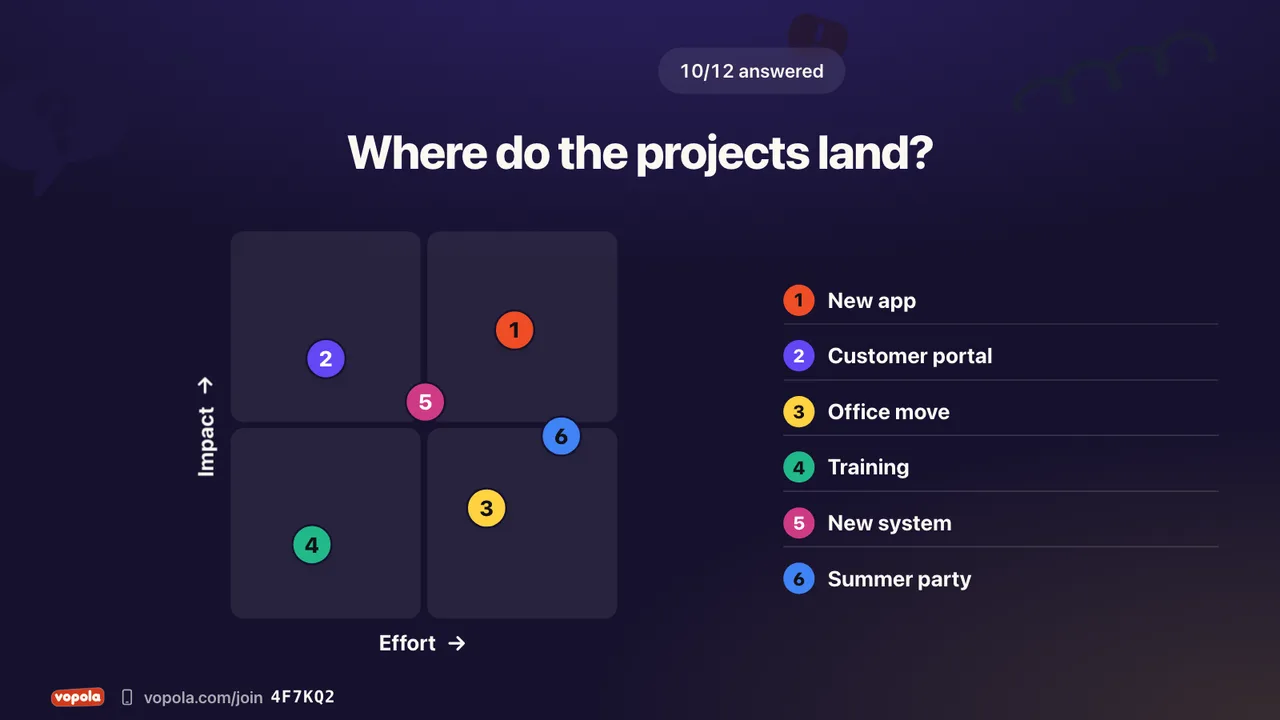
Place statements between two axes
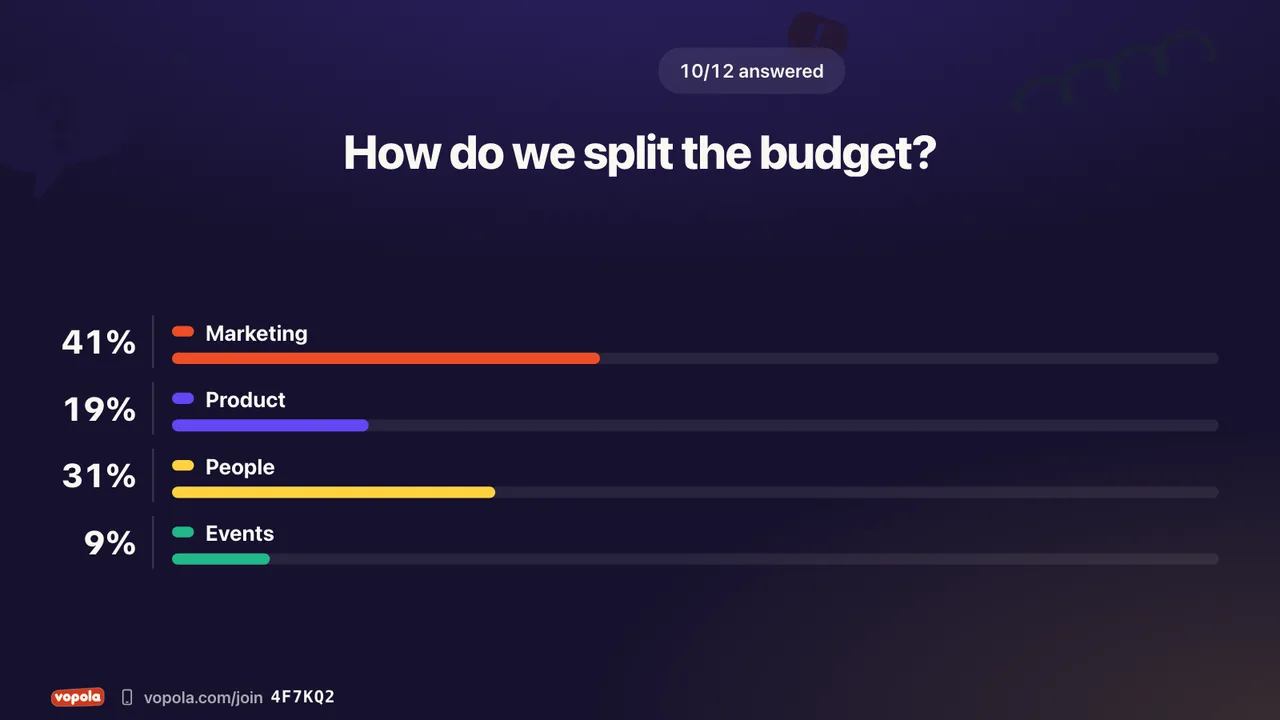
Share out exactly a hundred percent
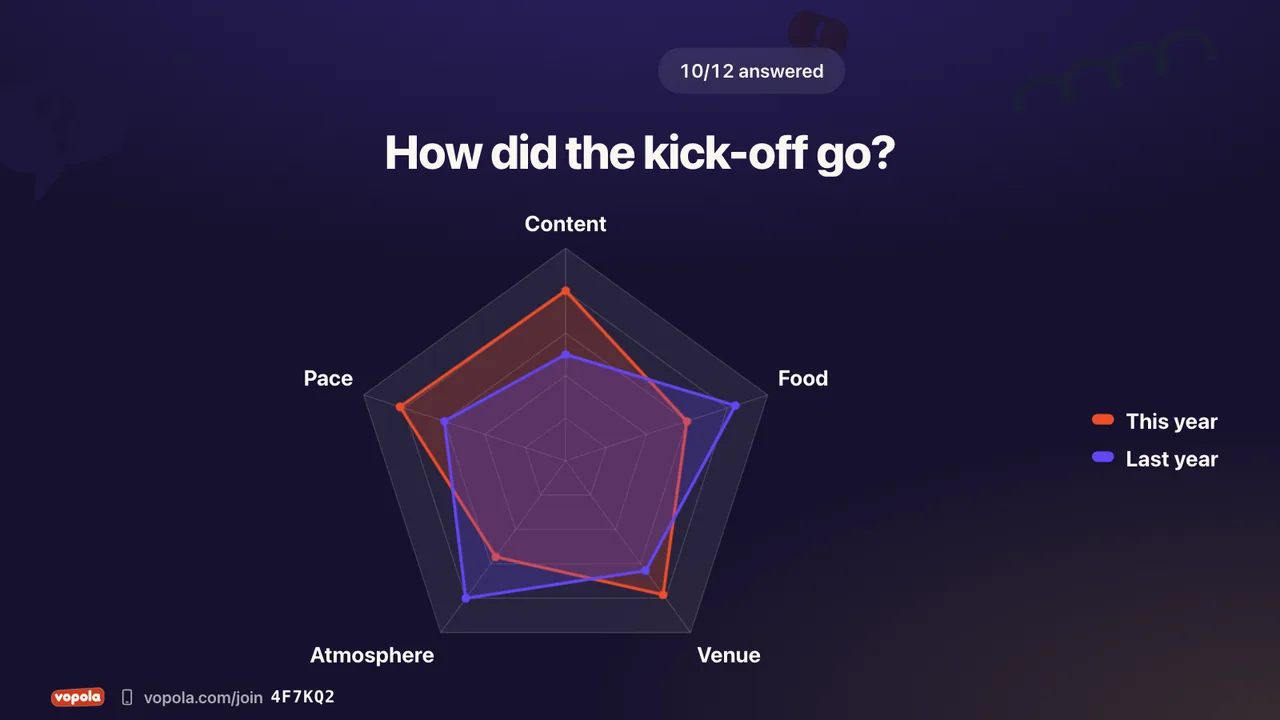
Ratings on several dimensions
Tell your story between the questions with text, images and video. Take a break, explain the rules or count down to the start.
A heading and text. With an image in Pro
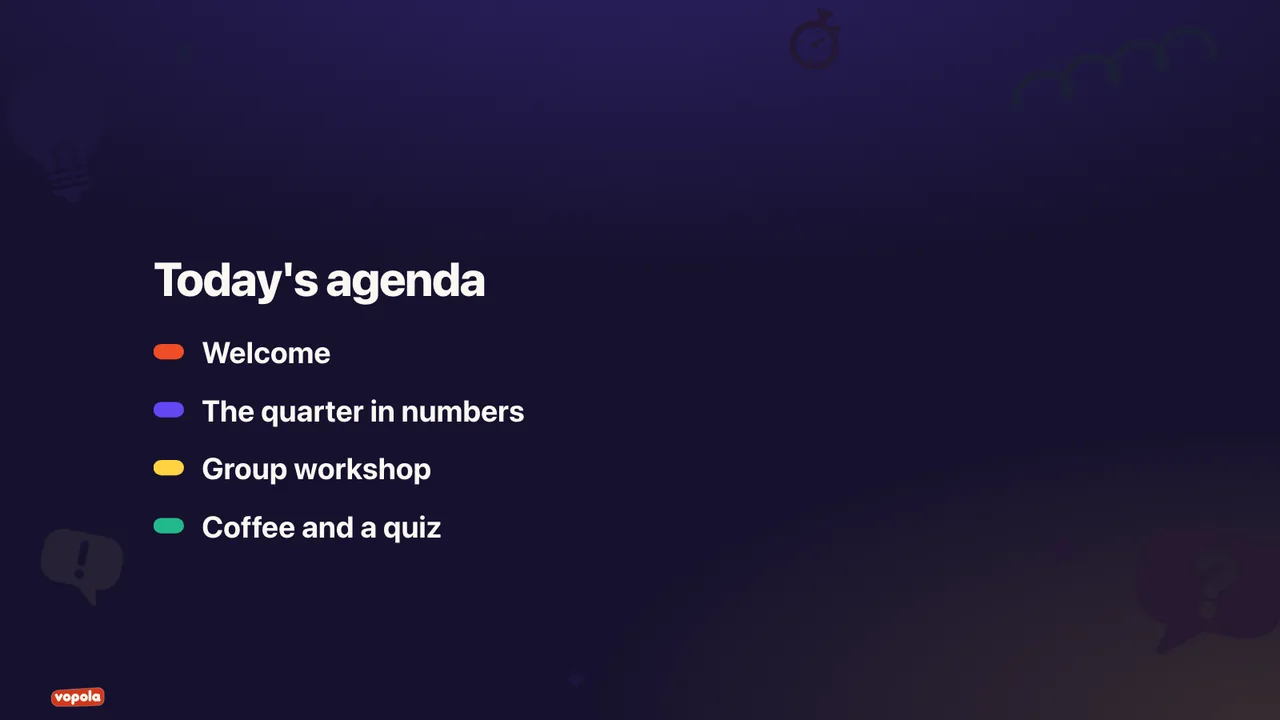
A heading and up to six points
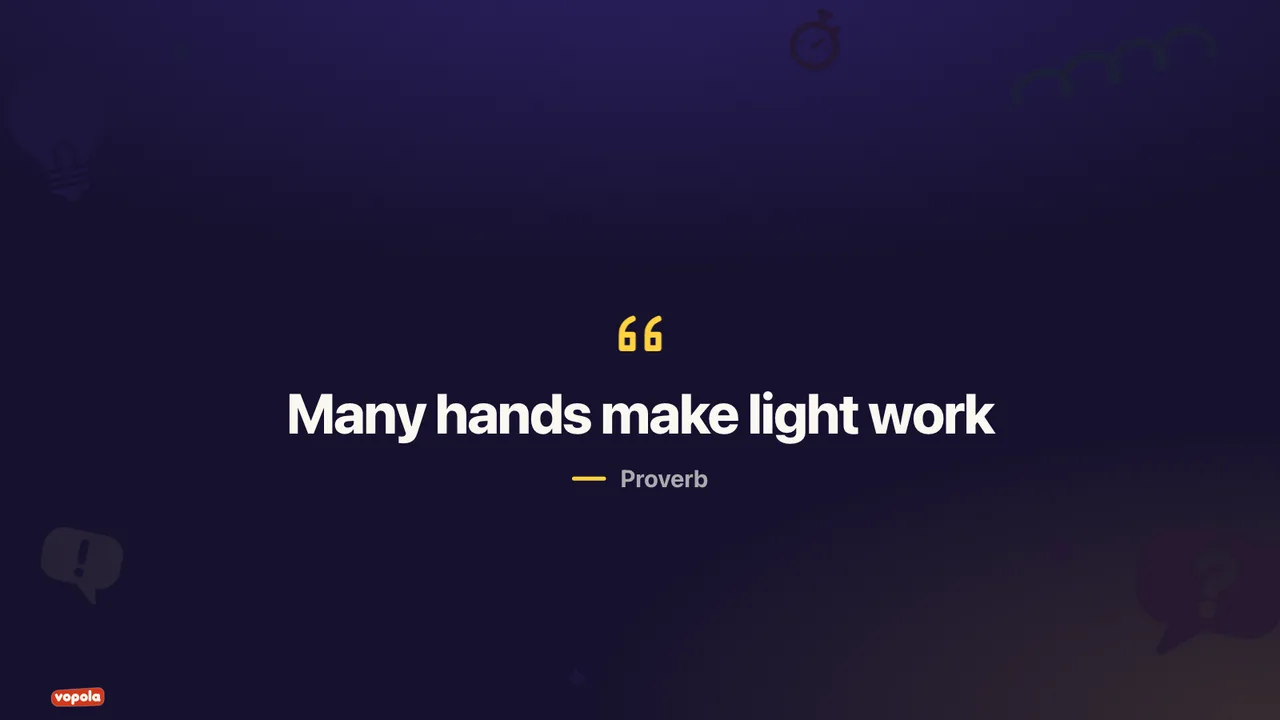
A quote with its author
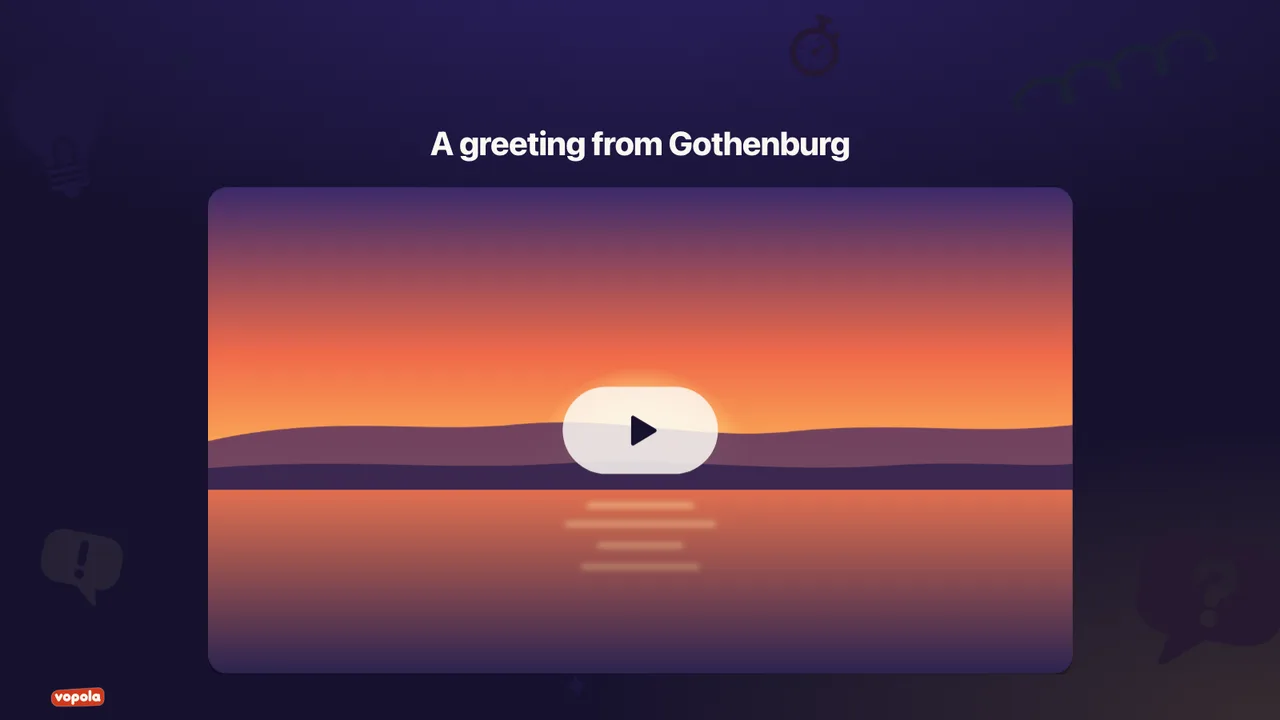
Play a video from YouTube
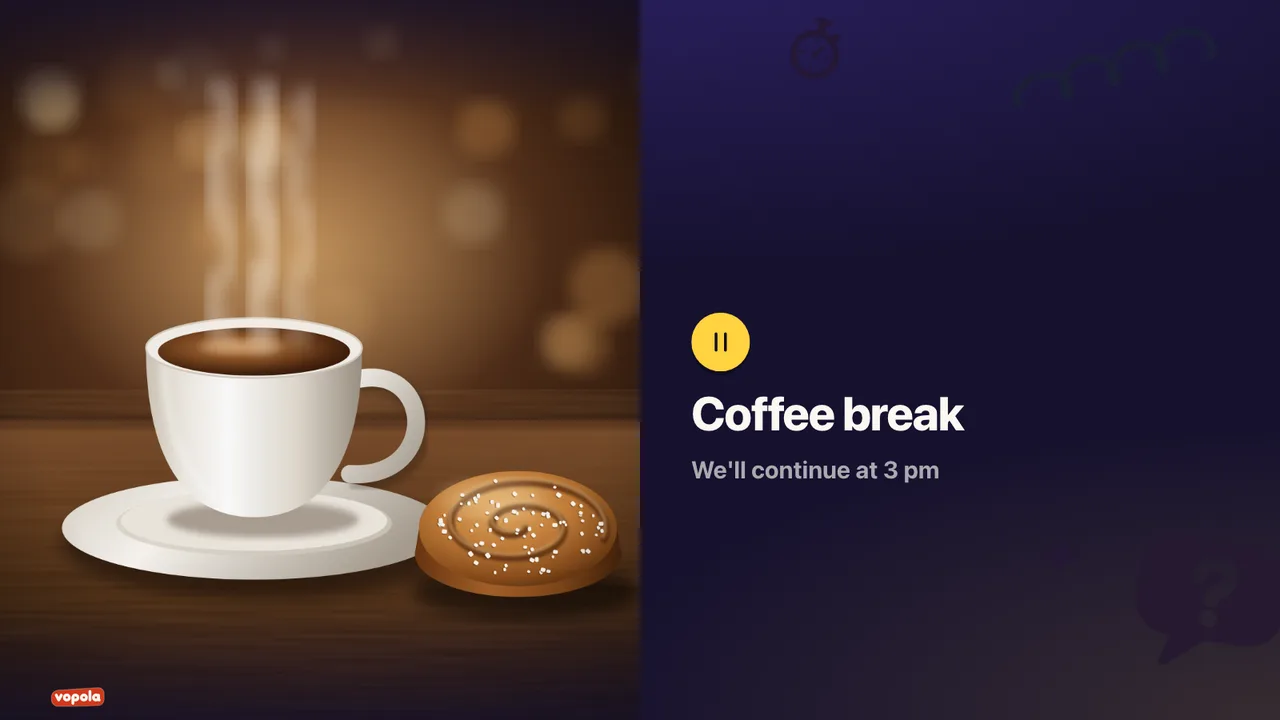
Show that you are taking a break. With an image in Pro
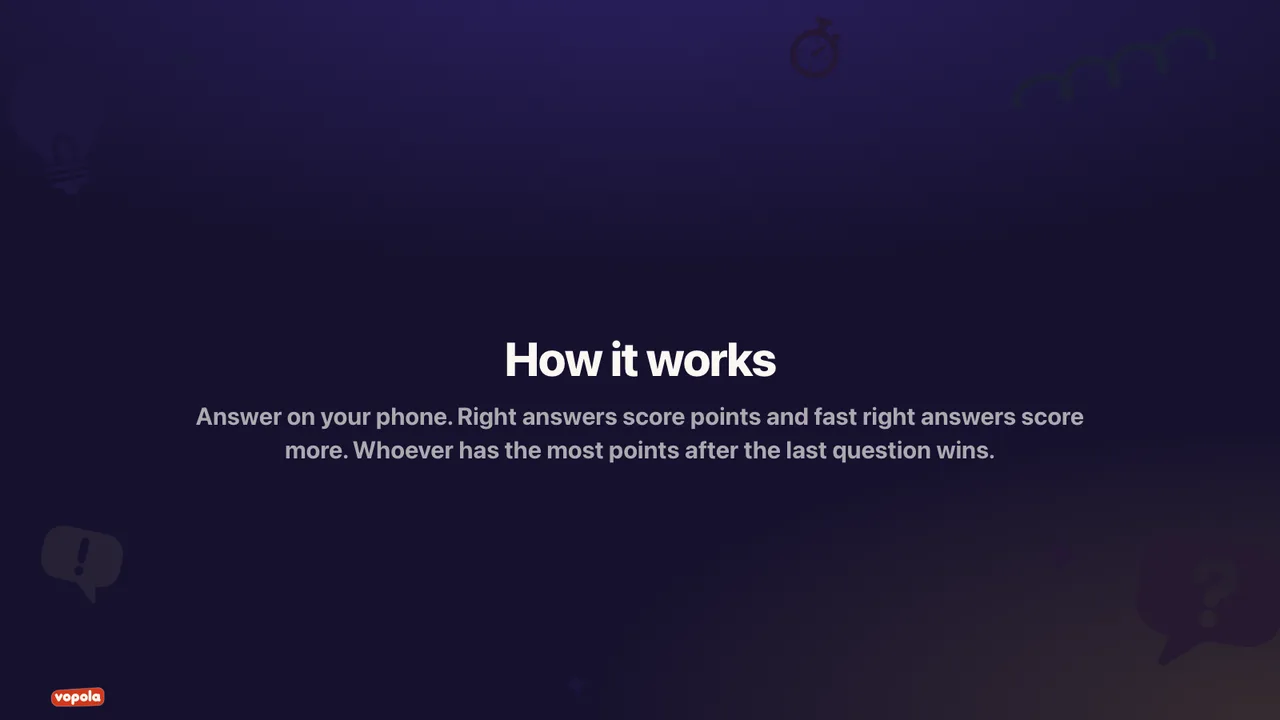
Explain the rules. With an image in Pro
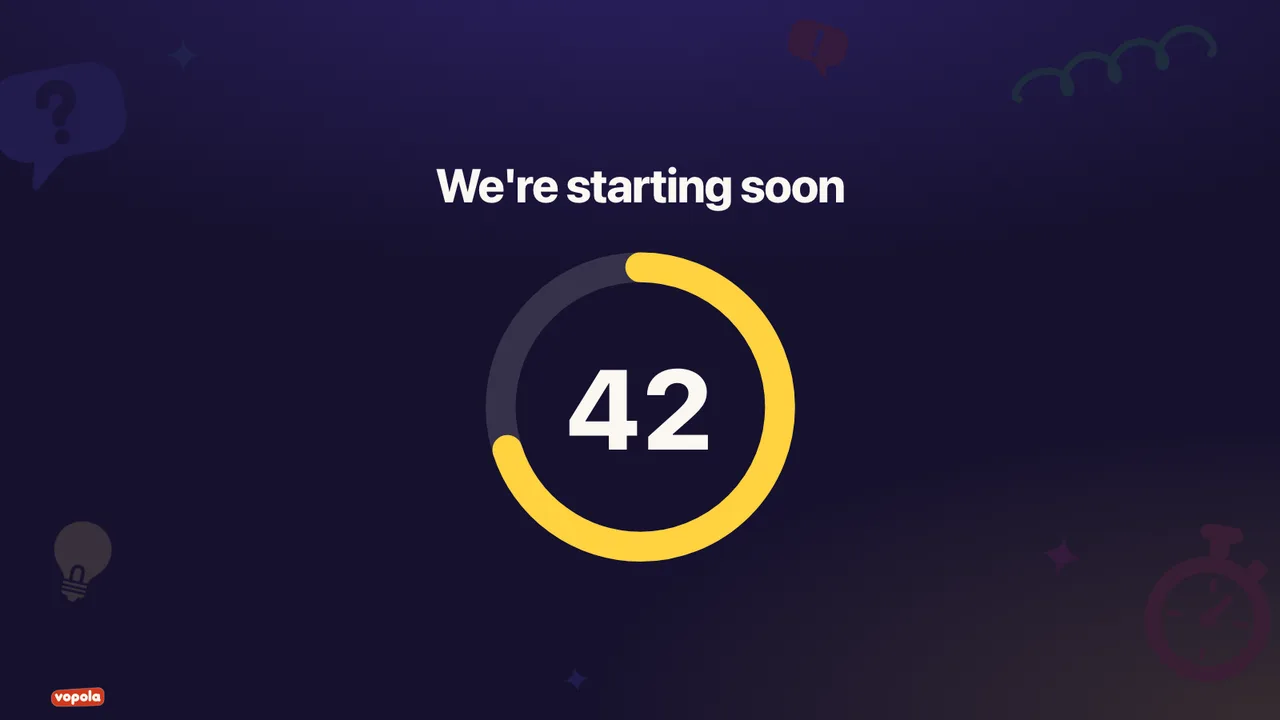
Count down to the start or the next round
The QR code and the code, big on screen
You run everything from the control room. Decide what shows on screen, let a colleague review the answers and share the results afterwards.
While you present
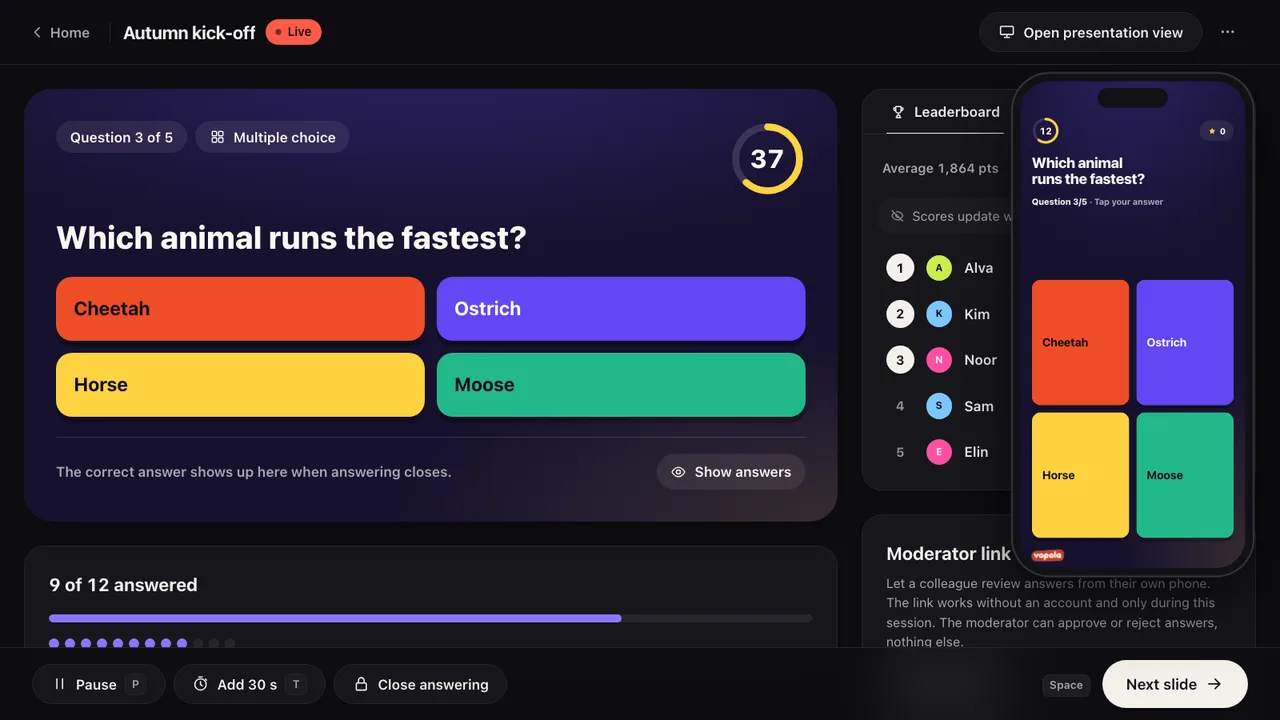
Questions show up big for everyone, answers happen on phones and you run it all from the control room.
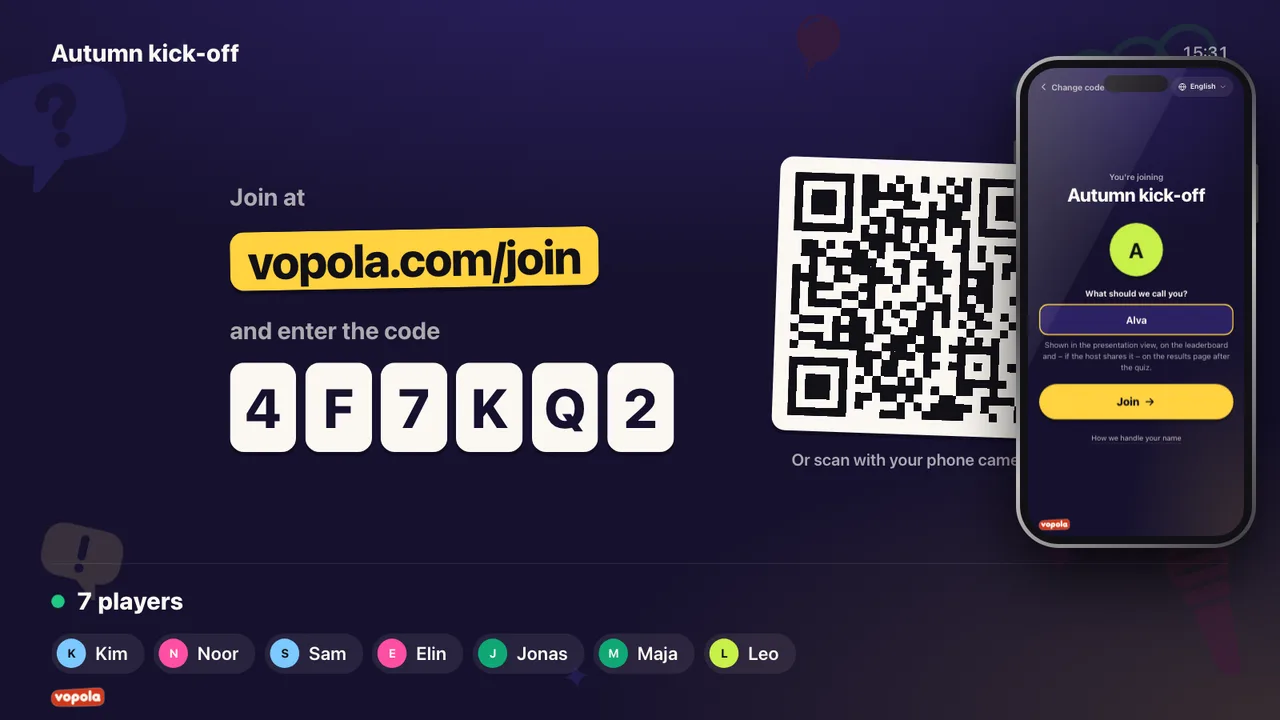
No app to download and no account to create. Just join.
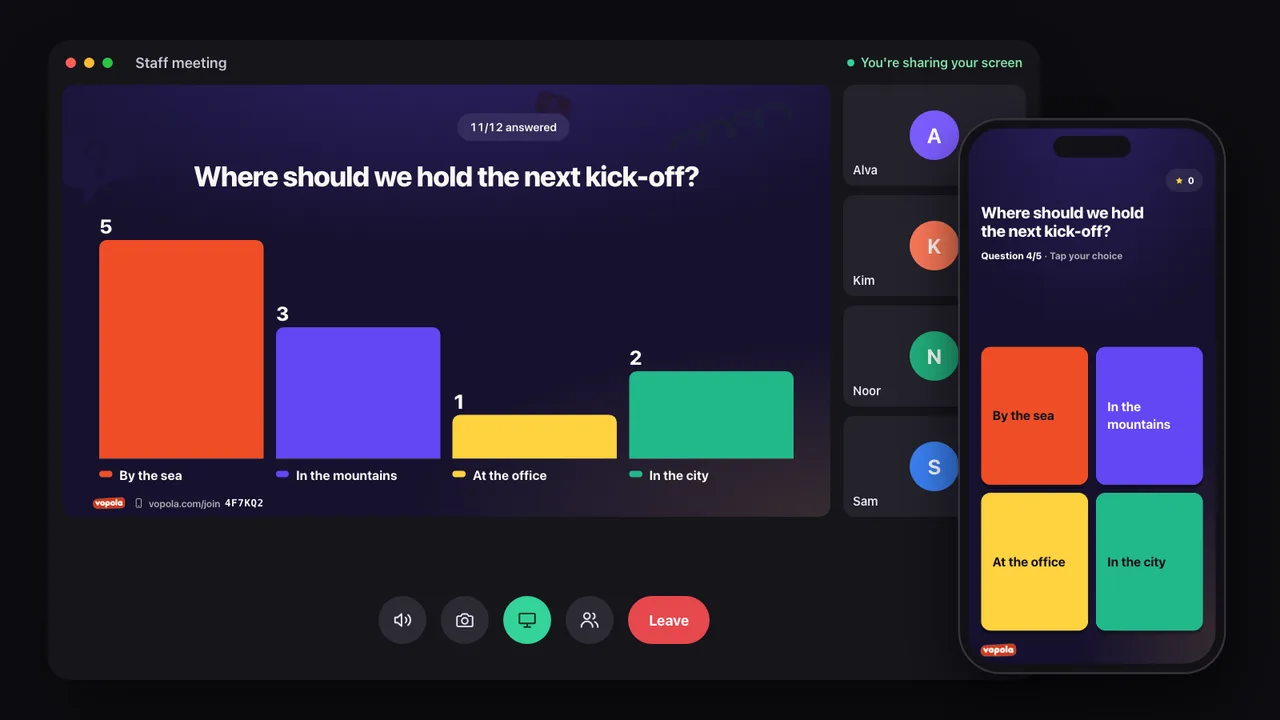
Share the presentation view in Zoom, Teams or Meet. Everyone answers on their phone, wherever they are.
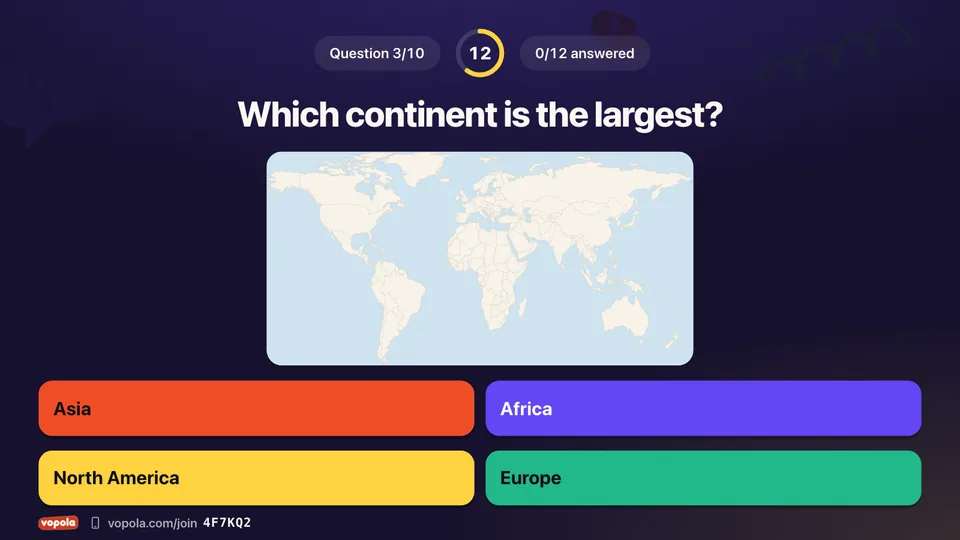
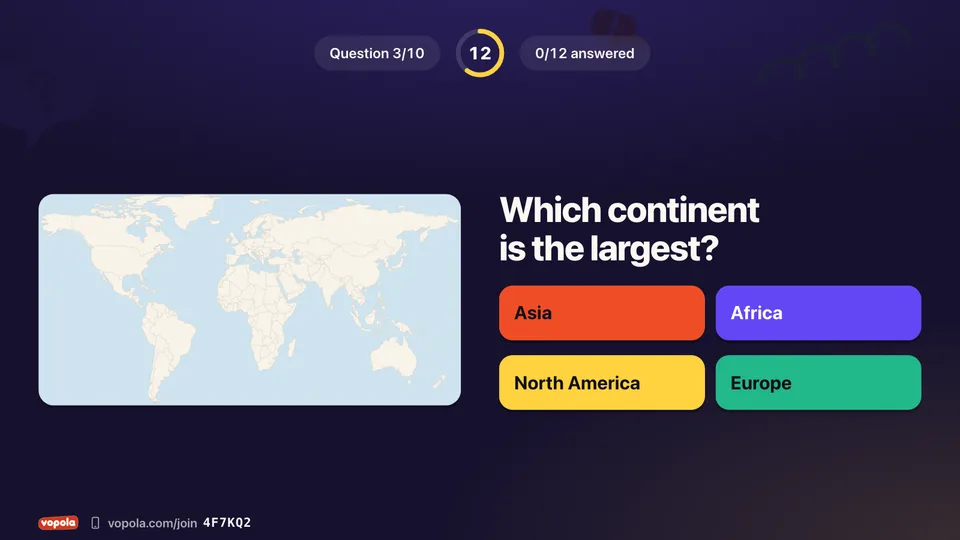
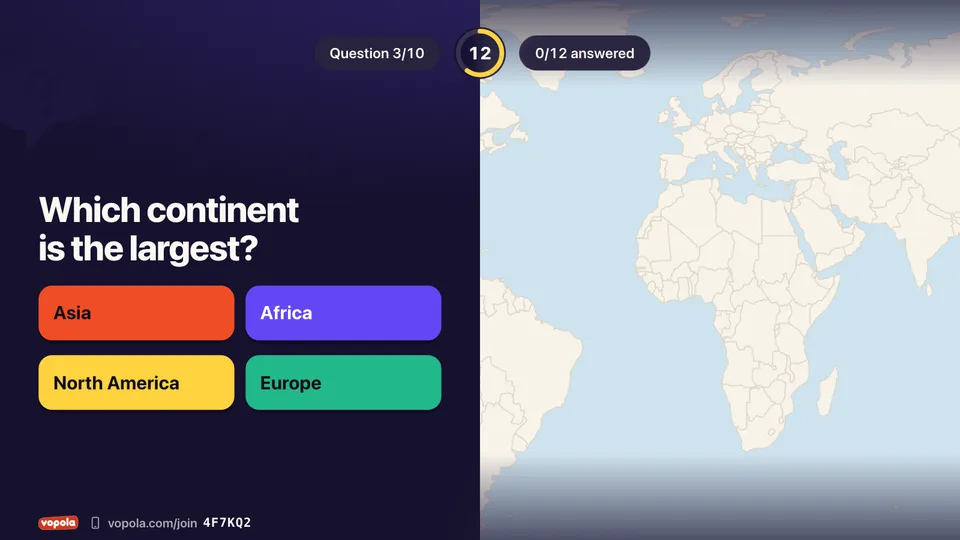
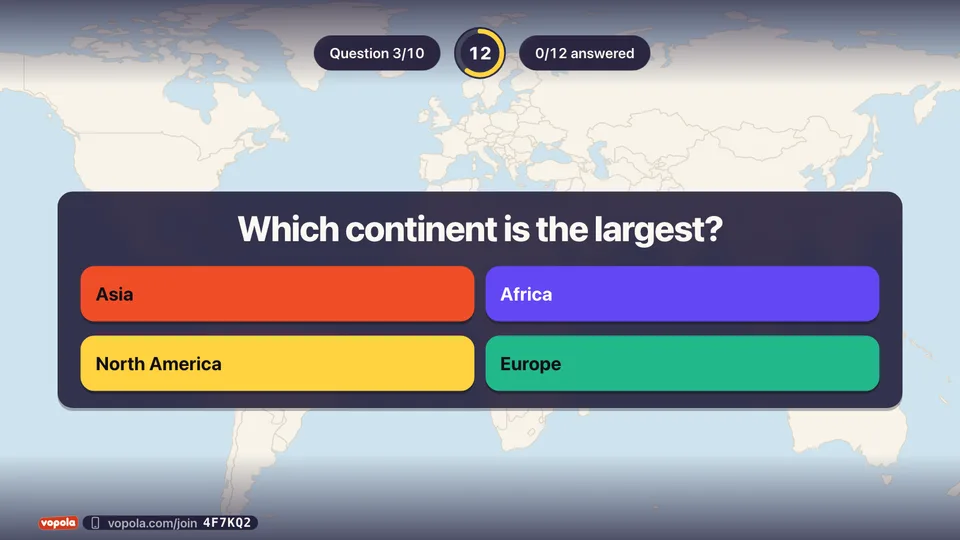
The theme sets the colours and fonts. The layout decides where everything goes: the image below the question, framed beside it, across half the screen or as the background. Half image and background are part of Pro.
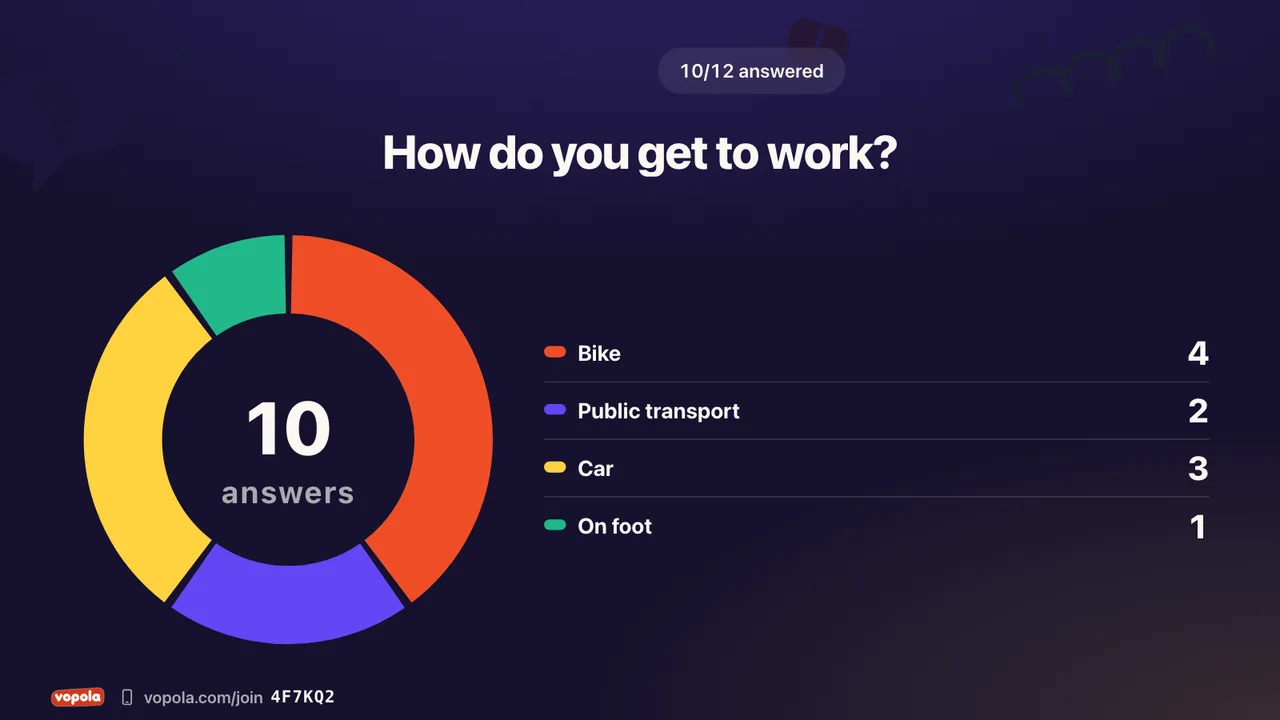
Show answers as bars, horizontal bars, donut, pie, dots or tiles. Live or when answers close.
While everyone answers
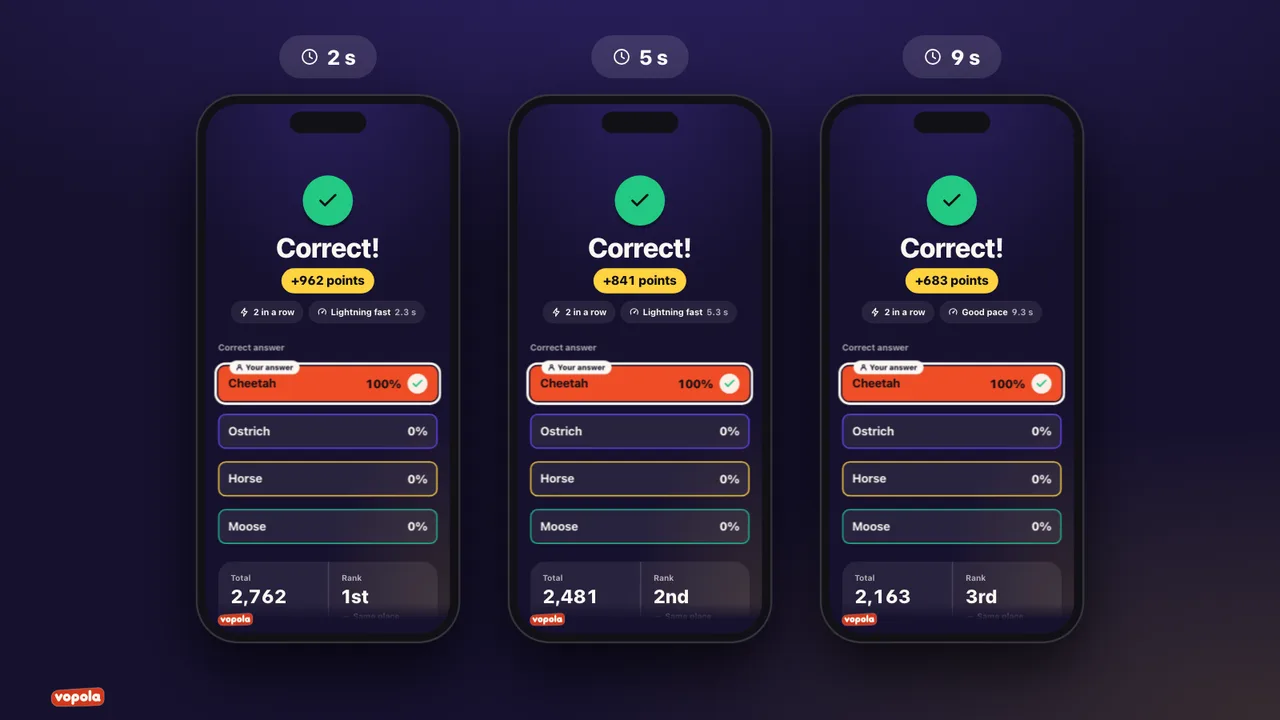
Right answers score. Fast right answers score more.
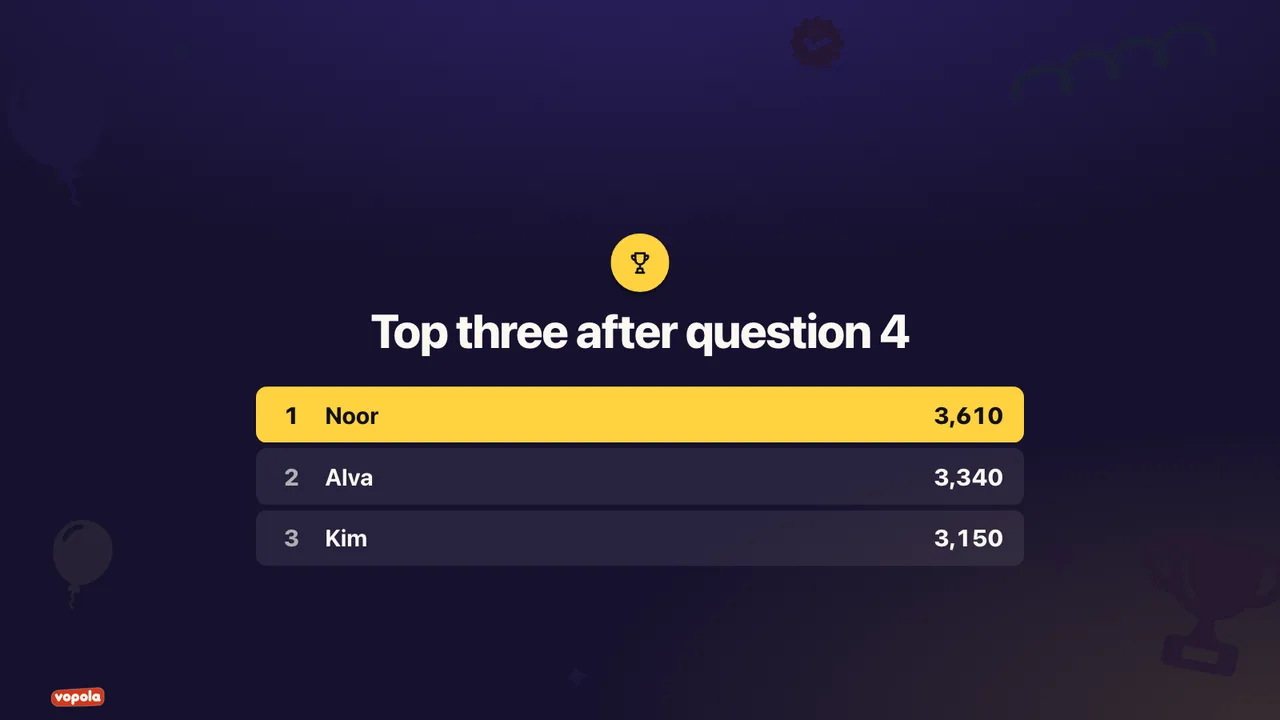
A switch on the quiz question adds the top three right after it, so everyone sees who is ahead.
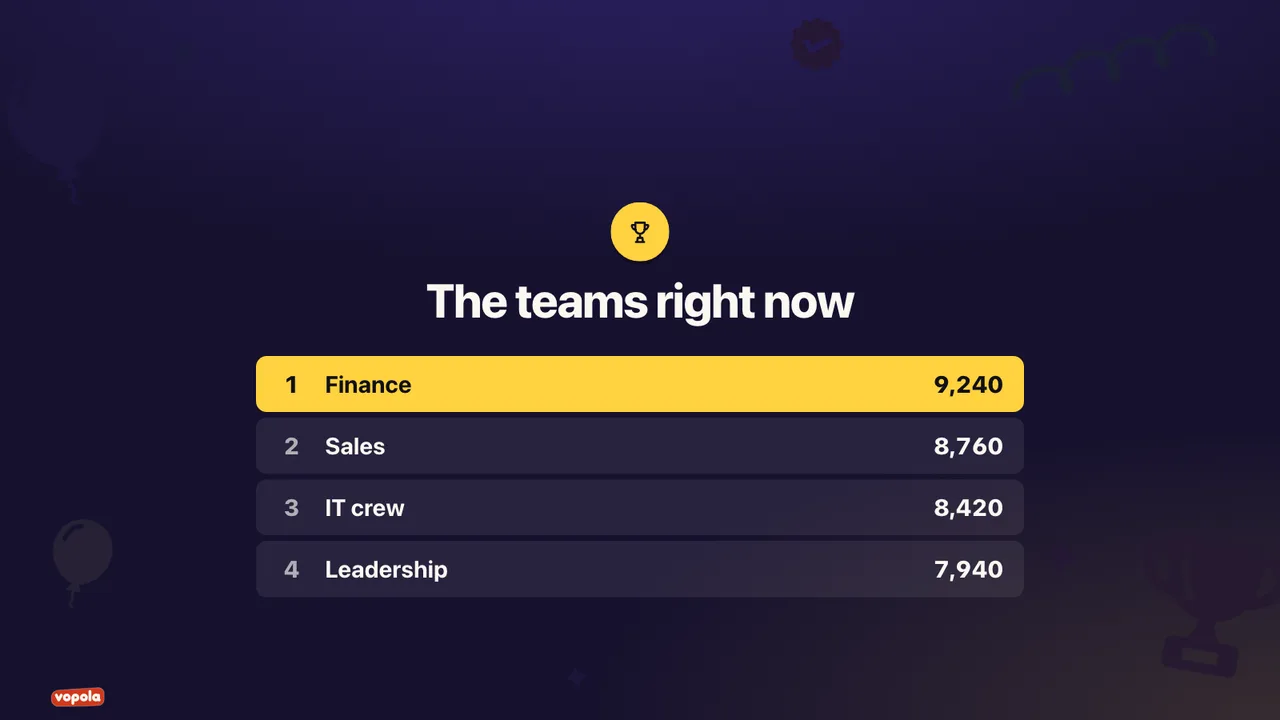
Everyone for themselves, or split the gang into teams that score together.
Everyone can ask questions while you present, anonymously if you allow it. Keep questions open throughout the presentation, from the lobby to the end. The others can vote up the ones that matter most.
You are in control
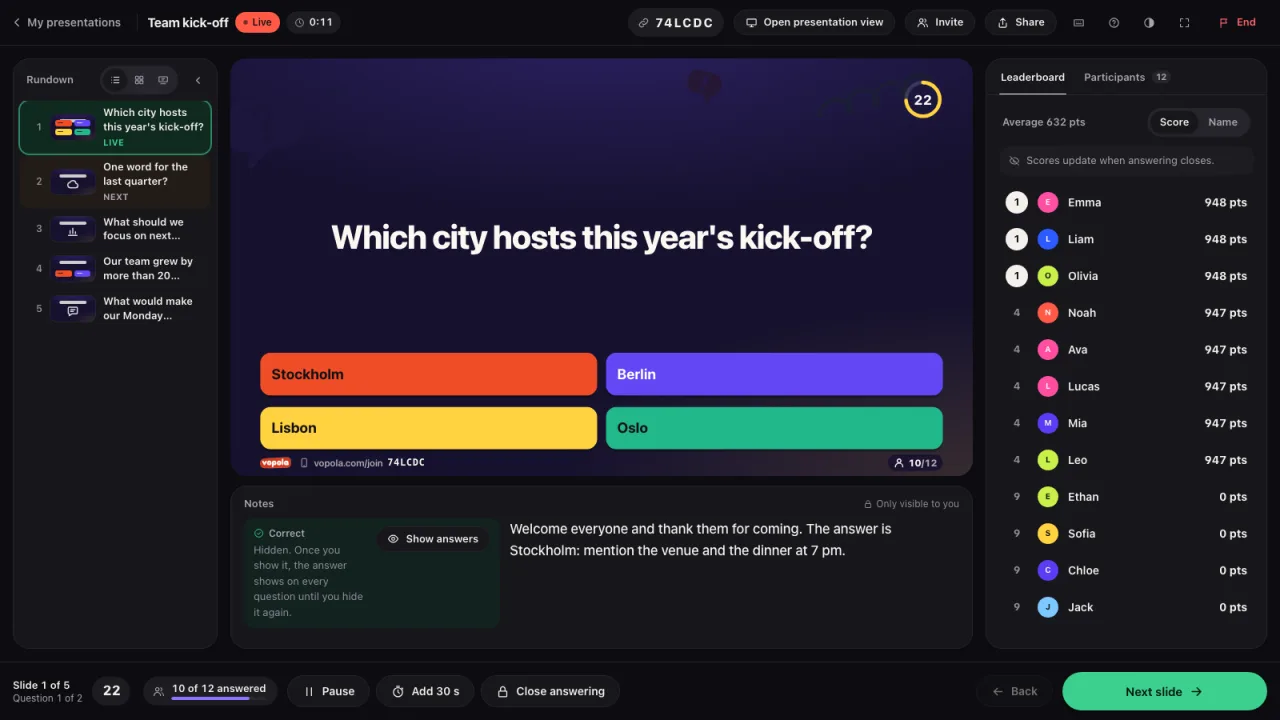
The run sheet, the slide on screen and the next one are all on one screen. You see who has joined and how the scores stand. Everyone else only sees the presentation.
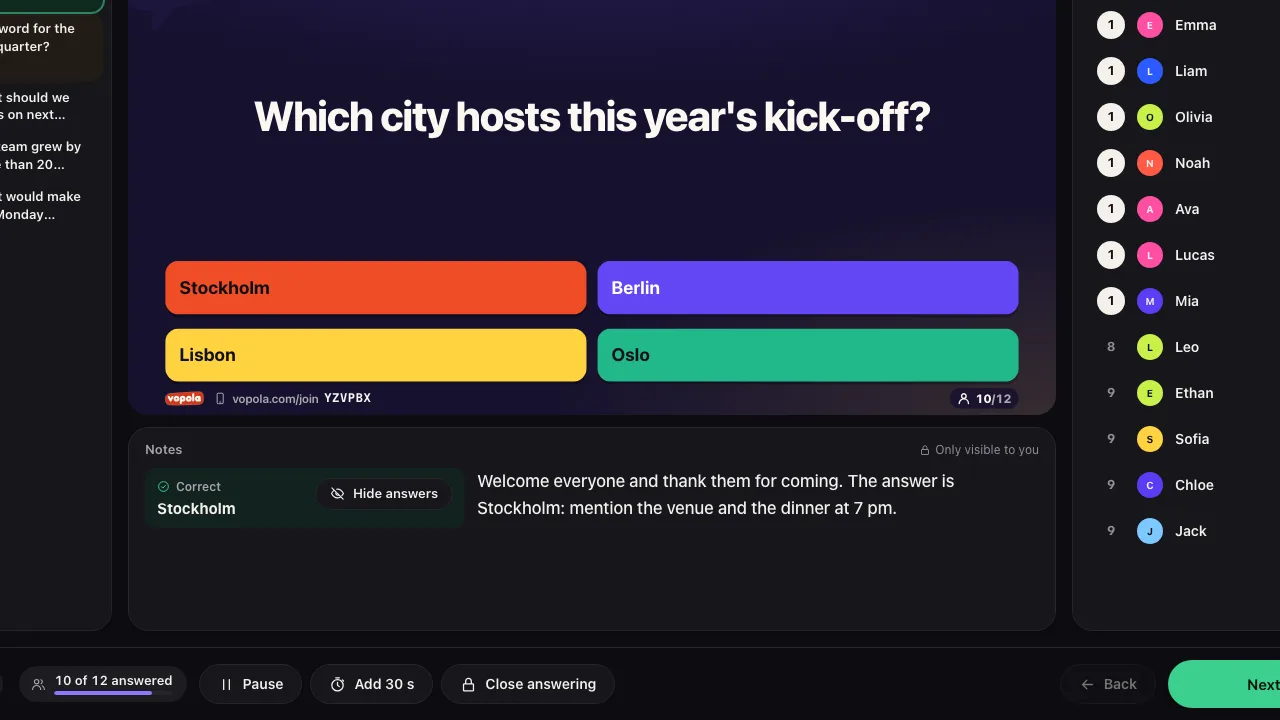
Write notes for each slide in the studio. During the session you see them in the control room together with the correct answer. They never appear on the big screen.
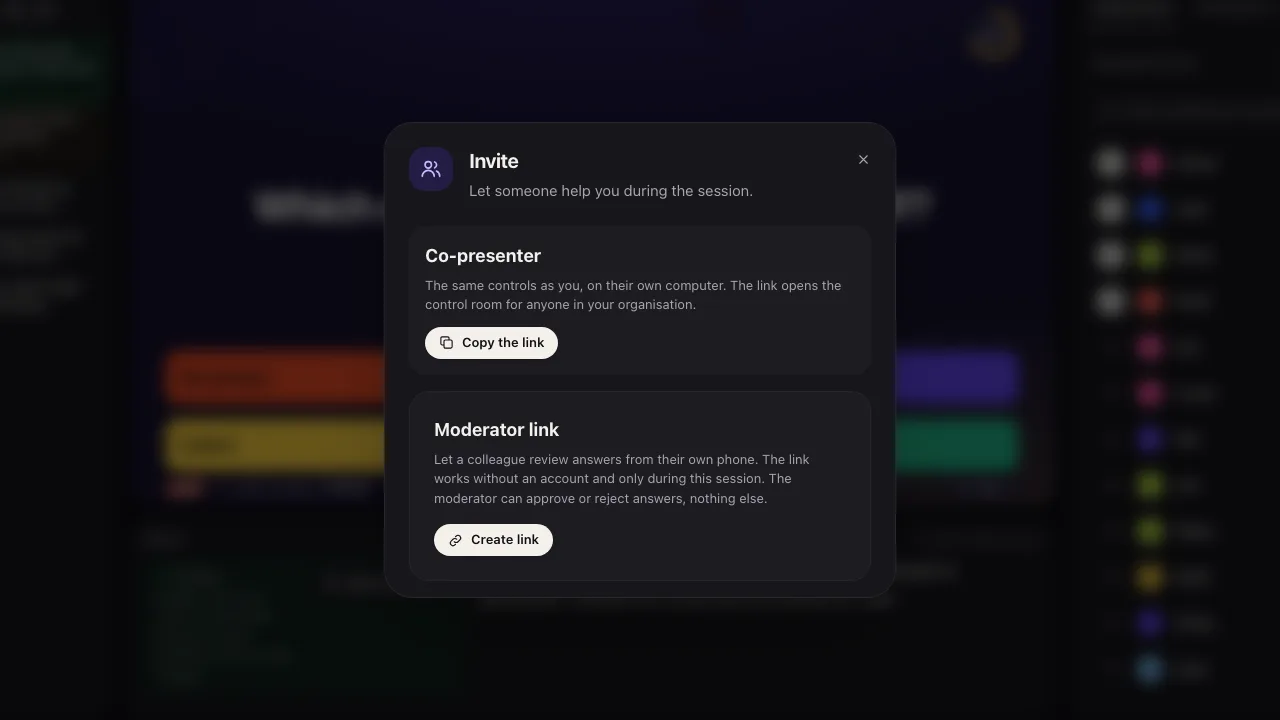
The co-presenter link opens the same control room on a second computer, for example by the stage. Anyone signed in to your organization gets the same buttons as you.
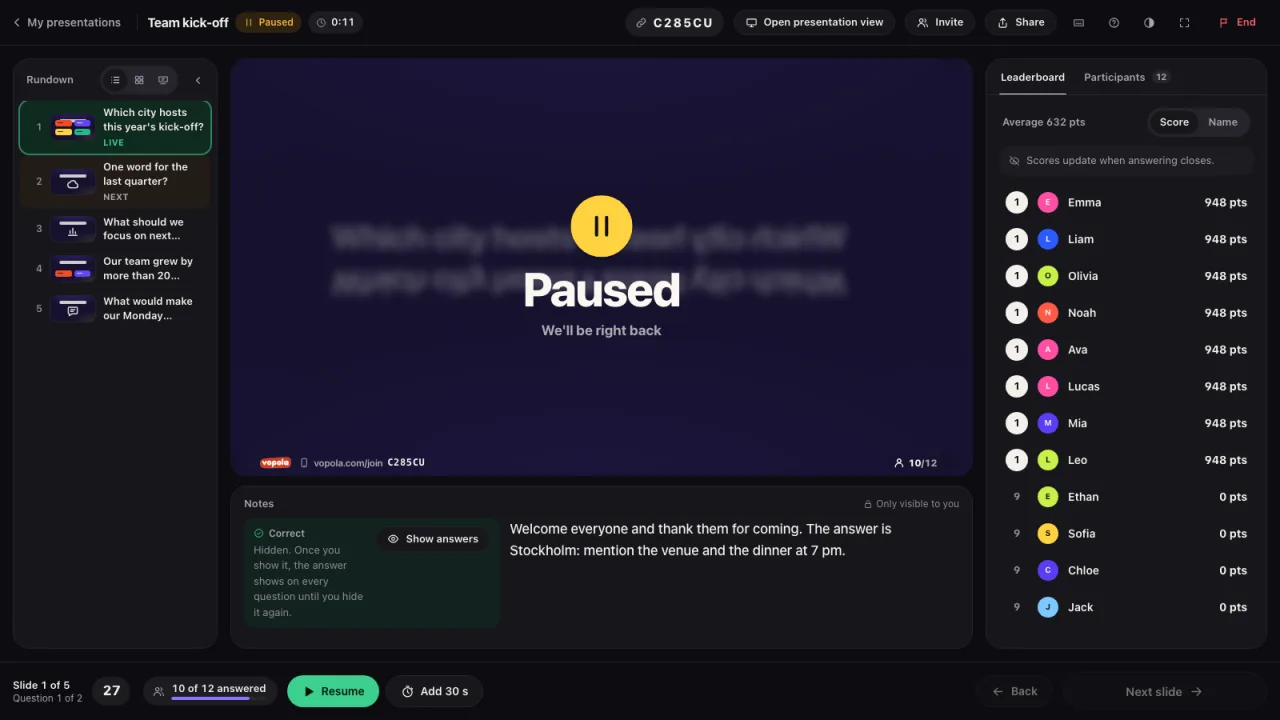
Pause when you want to talk. Everyone sees that it is a break. If everyone needs longer on a question, add 30 seconds with one button.
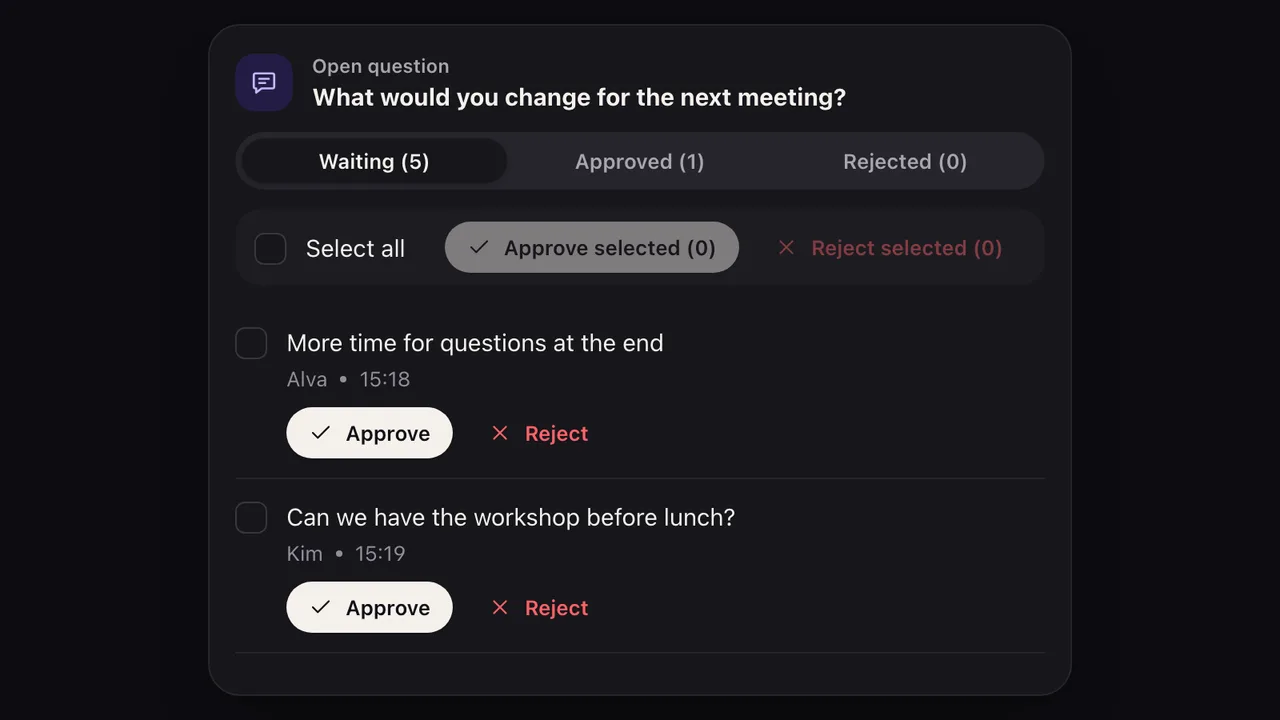
Free-text answers can wait for your approval before they appear. Approve one at a time or several at once.
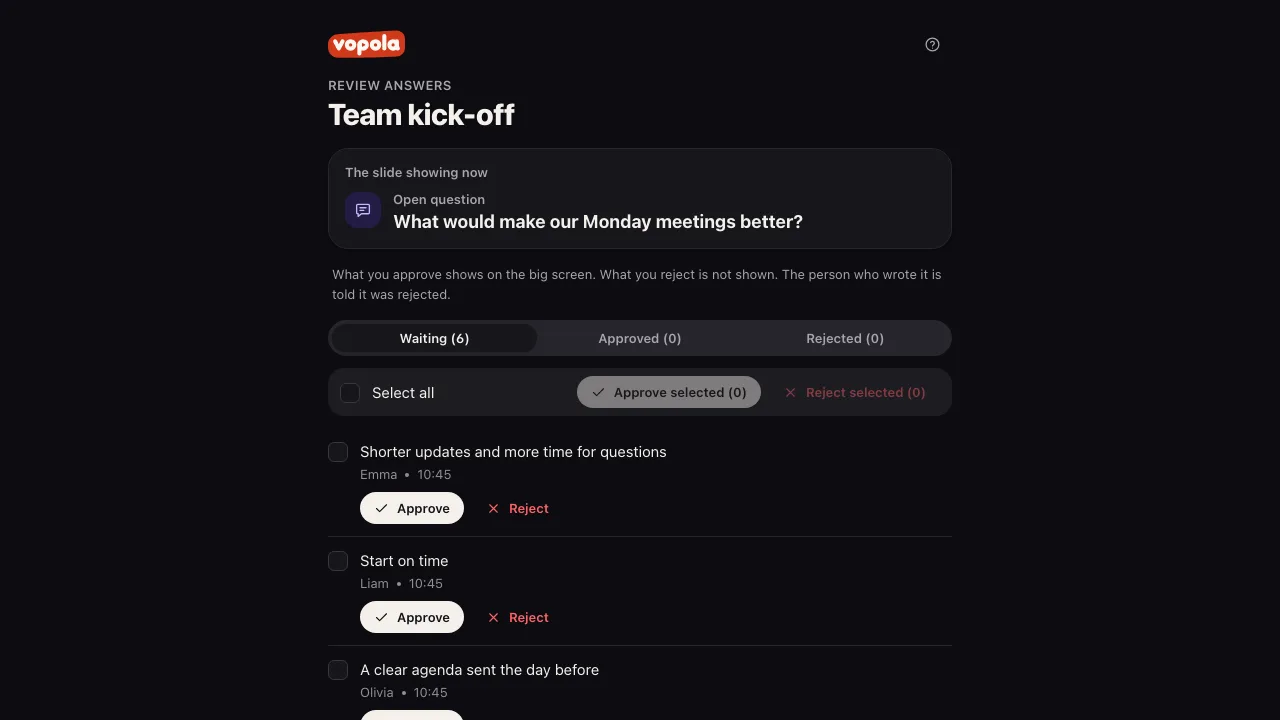
Send a secret link and a colleague can approve answers for you. No account needed, and the link only works for that session.
Afterwards
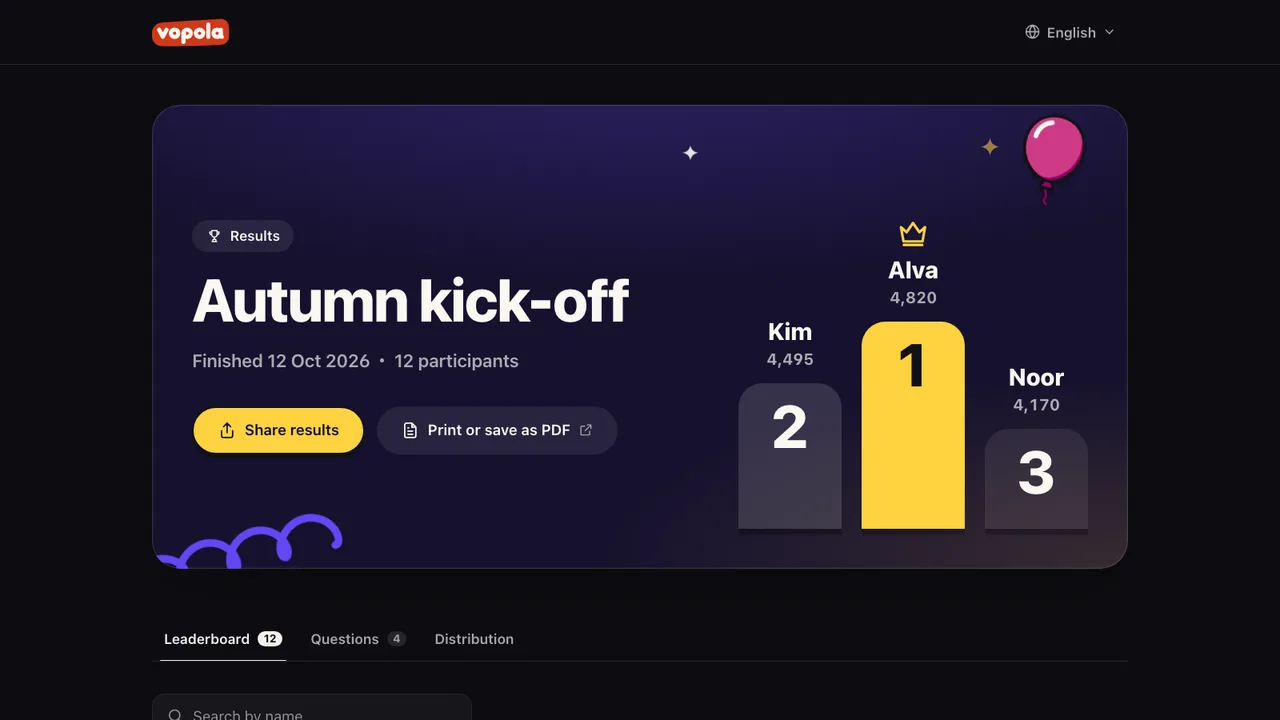
Share the results page with everyone who took part. While it is shared it can be printed or saved as a PDF. You can download answers and points per participant as a CSV file. Only you as the host see the answers to audience questions.
Pick a theme and the presentation view and every phone switch style at once. Here are three as different as they get. With Pro you pick freely from them all and fine-tune colour, background and font yourself.
Create an account and preview them all. With Pro you can use them in your presentations.
The same slide can be playful at Friday drinks and polished with your logo at the conference.
When your colleagues, friends or family join, everyone picks one of 70 animated avatars: animals, robots, fantasy creatures and everyday things with faces. Anyone who prefers can show their initials instead. The avatars appear in the lobby, on the leaderboard and on the podium.
Participants need neither an app nor an account.
Participants only type a name, plus a team name if you use teams. Never an email or a phone number.
We sell no data, show no ads and use no tracking cookies.
Participants’ names and answers are deleted automatically 12 months after the session. You can delete them sooner.
Free-text answers can wait for your approval before they appear on screen.
Vopola is run by Saiokatta AB. If you have questions about your data, reach us at support@vopola.com.
Free is plenty for a quiz with a few friends. When your colleagues, the class or the whole family want in, Pro makes room for up to 200. We keep the price low on purpose, so more people can get their gang together.
For a quick round with a few friends
Up to 10 participants
€0
No card needed
For the meeting, the class, the kick-off and the family reunion
Up to 200 participants
€34.99a year
About €2.92 a month, VAT included
| Free | Pro | |
|---|---|---|
| Participants | Up to 10 | Up to 200 |
| Sessions | 2 a month | Unlimited |
| Quiz questions per session | Up to 7 | Unlimited |
| Quiz question types | Multiple choice | Every type |
| Audience questions | Not included | Every type |
| Presentation slides | Most of them, without images or video | All of them, with images and video |
| Layouts and charts | The basic layouts and tiles | Every layout and chart |
| Themes | The Vopola theme, dark or light | All 14, your own colours and fonts |
| Your own logo | Not included | Your logo and your colours |
| Presentations you build | Unlimited | Unlimited |
Straight answers for whoever runs the meeting, the lesson or the quiz, and for everyone taking part.
Vopola is a tool for interactive presentations and live quizzes in the browser. You build a presentation with quiz questions, audience questions and presentation slides, show it on a presentation screen and everyone answers on their own phone. It suits a meeting, a conference or a kick-off just as well as a lesson, a Friday quiz or a family reunion.
An account, a browser and a screen everyone can see: a projector, a TV or a screen you share in a video call. You create the account with your email address. We send you a link, so there’s no password to remember. The presentation view opens in its own tab, and from the control room you start, pause and move on at your own pace.
Yes. Quiz questions, audience questions and presentation slides sit in the same presentation in any order you like.
Yes. With polls, word clouds, scales and questions for the host, everyone in the meeting gets a say. With reviewing, you decide what shows on screen. Pro takes up to 200 participants.
Share the presentation view in Zoom, Teams or Meet. Everyone answers on their phone, wherever they are.
Yes. The preview shows the presentation view and the participant view side by side and runs through the presentation step by step, from the lobby to the results, with test participants. You can answer on the phone yourself. Nothing is saved and nobody can join.
Vopola is available in English, Swedish, Norwegian, Danish, German, Polish, Spanish, French and Italian. Each phone follows its browser’s language, or English if Vopola isn’t available in it. Everyone can switch before the presentation starts. You write the presentation itself in whatever language you like.
There are seven types of quiz question: multiple choice (including several right answers), true or false, type answer, guess the number, correct order, match pairs and fill in the blanks. There are also eleven audience questions with no right answer, such as polls, word clouds and questions for the host. Between questions you can add presentation slides, such as image and text, a bullet list, a quote or the leaderboard. The Free plan includes multiple choice and most presentation slides without images or video. Everything else is part of Pro.
You choose the time limit and points for each question, 1,000 points unless you change it. With Speed scoring, a right answer earns more the faster it comes: full points straight away and half when time runs out. With Fixed scoring, every right answer earns the same. Correct order, match pairs, fill in the blanks and multiple choice with several right answers give partial points when some of it is right. In teams the members’ points add up. Audience questions give no points.
Yes. Download the template, write one question per row in a spreadsheet and import the file as CSV. You can also pull in quiz questions and presentation slides from another of your presentations, or export a presentation as CSV.
After the last question the presentation view shows the podium and every phone shows its place. For 30 days you can share the results page, with the leaderboard and how each question went, with everyone who took part. While it is shared it can be printed or saved as a PDF. You can also choose not to share it. You can always download answers and points per participant and question as a CSV file. Only you as the host see the answers to audience questions.
A question with no right answer that collects what everyone thinks: poll, word cloud, open question, scale, ranking, ideas, pin on image, questions for the host, 2x2 grid, 100 % and radar. It gives no points and has no countdown. You move on when you are ready. Audience questions are part of Pro.
Yes. For word clouds, open questions, ideas and questions for the host, answers wait for your approval before they appear on screen. You can also turn reviewing off so everything shows right away. A colleague can review for you through a secret link, no account needed.
Only you as the host, in the results view and the CSV file. They never appear on the results page you share with participants.
Yes, if you allow it. When someone asks the host an anonymous question, their name is shown nowhere, not even to you. The others can vote up the questions that matter most.
Yes. Turn on Open throughout the presentation on the Questions for the host slide. Everyone can then ask questions from the lobby until the presentation ends, whatever slide is showing. In the control room you see the questions under the Questions tab. There you close them and open them again whenever you like. The presentation screen only shows the questions on the questions slide.
No. They scan the QR code, open the link or type in the code from the presentation screen, pick a name and they’re in within seconds. Nothing to download and no account to create.
Join with codeAny phone with an up-to-date browser, such as Safari on an iPhone or Chrome on Android. A tablet or computer works just as well. All it needs is a connection, over Wi-Fi or mobile data.
The phone keeps trying on its own. Anyone who reloads the page or opens the link again on the same phone carries on as the same participant, points and all.
Participants only type in a name, plus a team name if you use teams. No email, no phone number and no account. The name shows in the presentation view, on the leaderboard and on the results page, which anyone with the link can open for 30 days unless you turn sharing off. During the session you can remove a participant. Afterwards you can delete the names, answers and teams for good. Otherwise they are deleted automatically 12 months after the session. What participants write freely, such as words, ideas and questions, is deleted the same way. When someone asks the host an anonymous question, their name is shown nowhere, not even to you.
Yes, you can start without paying and without a card. With Free, up to 10 participants can join each session, and you can start 2 sessions a month with up to 7 multiple-choice questions. With Pro, up to 200 can join, and you get every question type, the audience questions, every theme and your own logo.
In the lobby you can see how many have joined. Once the session is full, anyone else who tries to join is told so, and nobody who’s already in gets kicked out. If you get Pro while the lobby is open, more people can join right away, up to 200.
No, Pro costs €34.99 for a year at a time, about €2.92 a month. One yearly price keeps Pro cheap.
Yes, Pro renews every year until you cancel. You can cancel any time at Link, the Stripe payment service you bought Pro through, and the Plan page in Vopola links there. Pro then lasts until the end of the year you’ve paid for. Stripe emails you before Pro renews.
Yes. If you change your mind about a payment within 14 days, whether it’s the first purchase or a renewal, you get the full amount back, even if you’ve already run a session. Email support@vopola.com from your account’s email address, and the subscription ends too.
Everything you’ve built stays. A presentation with question types or presentation slides that are only in Pro, or with more than 7 quiz questions, needs changing before it can start on Free.
By card, Apple Pay, Google Pay or Link. The payment is handled by Stripe, which sells Pro through its Link service. The price includes VAT, and the receipt comes from Link. You can’t pay by invoice.
Create a free account and build your first presentation in minutes.
No card needed
Get started free